Thank you for supporting our product.
If your screen deflates after inflation, it’s usually caused by one of the following issues.
Common Causes
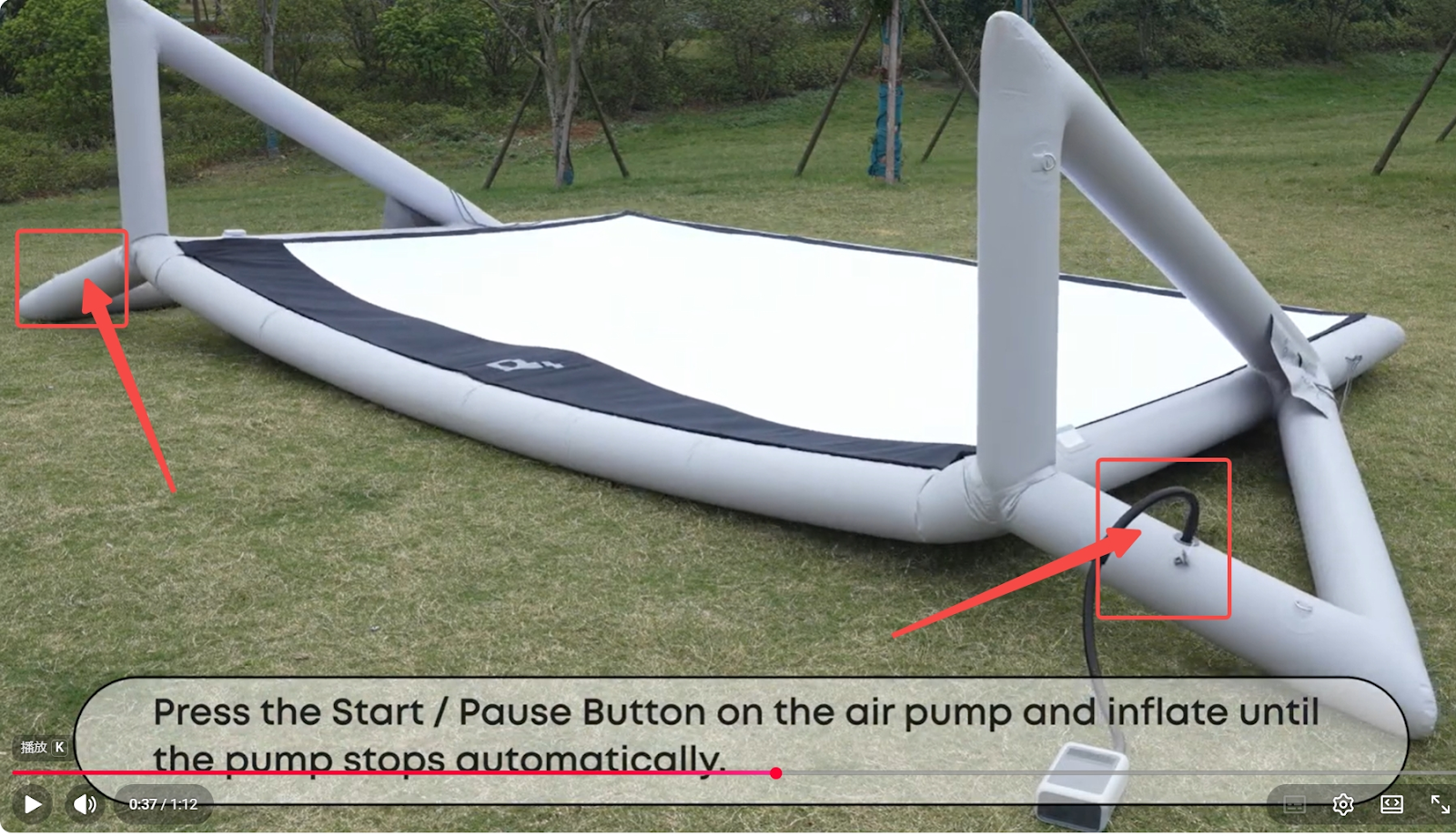
1. Valve Issues
(Note: There is one valve for the left curtain and one for the right.)
-
Valve core not properly tightened or valve core not popped up
– Rotate the valve core to the left to close it securely.
-
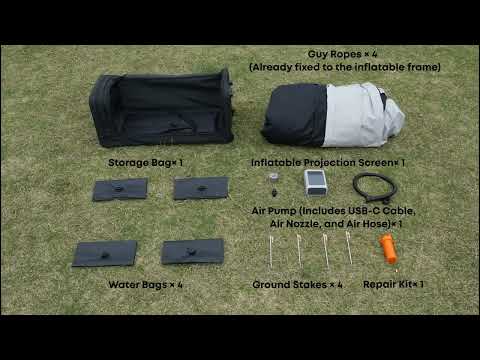
Damaged valve core – Replace it using the repair kit.
If you need to use the repair kit, please contact our support team for a recommended adhesive link.
-
Loose valve cap – Make sure the cap is closed tightly after inflation.
2. Frame Damage
-
Small puncture – Patch the area with the included repair kit.
-
Torn seam – May require professional repair.
-
Damaged fabric – Apply a repair patch using the repair kit.
How to Identify the Leak Location
-
Fully inflate the screen.
-
Listen closely for any hissing sounds.
-
Feel around the frame to detect escaping air.
-
Mark the exact leak location for repair.
If you have any other questions, please don't hesitate to contact Nebula Customer Support at service@soundcore.com for further assistance.