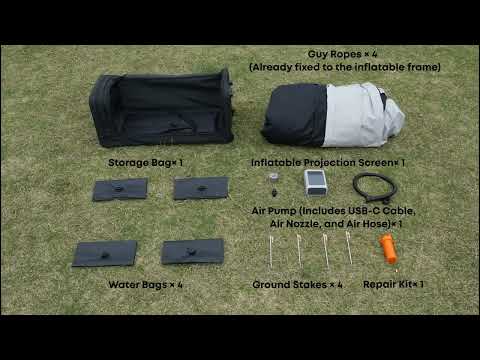
Thank you for supporting our product.
You can replace the damaged valve on either screen using the valve tool included in the repair kit.
Follow the steps below carefully.
1. Remove the Damaged Valve
-
Open the repair kit and take out the valve tool.
-
Align the valve tool with the damaged valve.
-
Insert the tool firmly into the valve opening.
-
Rotate counterclockwise about 3–4 turns to loosen.
-
Gently pull out the loosened valve.
2. Install the Spare Valve
-
Take a spare valve from the repair kit.
-
Insert it into the valve hole.
-
Rotate clockwise about 2–3 turns by hand.
-
Use the valve tool to tighten securely.
-
Inflate the screen slightly to check that the seal is airtight.
Important Directions
-
Removal: Turn counterclockwise (left)
-
Installation: Turn clockwise (right)
Tip
If you need a visual guide, scan the QR code on the product packaging to access a Support Video that demonstrates every replacement step in detail.
If you have any other questions, please don't hesitate to contact Nebula Customer Support at service@soundcore.com for further assistance.