Can I set up the screen on different surfaces?

Thank you for supporting our product. 


Yes, you can set up the screen on various surfaces. 

Please refer to the recommendations below:

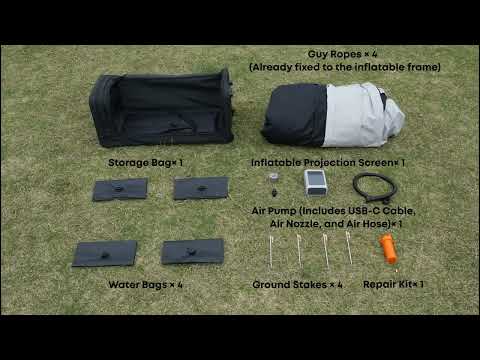
  • Grass – Ideal for setup, as you can securely anchor the frame using ground stakes.

  • Dirt or soil – Also ideal; ground stakes can be used to provide stable support.

  • Concrete or pavement – Ground stakes cannot be used; instead, place water bags on the base for stabilization.

  • Beach sand – For best stability, use both ground stakes and water bags.


Important:

To prevent damage or instability, avoid placing the screen on surfaces with:

  • Sharp rocks or hard debris

  • Broken glass or metal pieces

  • Thorny plants or vegetation

  • Uneven terrain or steep slopes


If you have any other questions, please don't hesitate to contact Nebula Customer Support at service@soundcore.com  for further assistance.

Can I set up the screen on different surfaces?
21 undefined
A3961 QSG V2(1)
Liberty 4_A3953_QSG
Q20i_QSG
EU Declaration of Conformity for soundcore A3i_A3992
UK&CA Declaration of Conformity for soundcore Liberty 4_A3953
EU&UK Declaration of Conformity for soundcore Sleep A10_A6610
View More
How to use Liberty 4 Wellness features
How to Connect to the Soundcore App and Update Firmware for Sport X10
How to Wear Liberty 4 and Change Eartips
How to solve a connection issue on Sleep A10
How to Use Features On the Soundcore App for Sport X10
How to Pair and Reset Sport X10
View More