Projector Indicator for P1i

Thank you for supporting our product. 


1. Solid red light: Powered on and shutdown / standby state.


2. Flashing red light (one second on, one second off): Power supply abnormality.

If the red light flashes due to power issues, first verify that the original 140W adapter is being used. If the original adapter fails to power the P1i, contact customer service. Additionally, other 140W DC-IN adapters can be used to power the projector. Adapters below 140W cannot properly power soundcore Nebula P1i and will cause the projector to malfunction. Please follow the adapter guidelines.


3. White light steady: Powered on.


4. Light off: Power disconnected.


5. Bluetooth speaker mode:

a. White light flashing rapidly: Waiting to connect.

b. White light flashing slowly: Connected.


If the above solutions cannot solve your issue, please contact Nebula Customer Support at service@soundcore.com  for further assistance.

Unresolved icon
31 undefined
Download icon
Nebula P1i 用戶指南 (D2200)
Download icon
Nebula P1i Guia do usuário (D2200)
Download icon
Nebula P1i دليل المستخدم (D2200)
Download icon
Nebula P1i Guida per L'utente (D2200)
Download icon
Nebula P1i 사용자 가이드 (D2200)
Download icon
Nebula P1i Ръководство за потребителя (D2200)
View More
Play videoHow to Position or Resize the Projection on P1i?
How to Position or Resize the Projection on P1i?
Play videoHow to Focus the Projection on P1i?
How to Focus the Projection on P1i?
Play videoHow to Mirror or Cast from IOS Smartphone on P1i?
How to Mirror or Cast from IOS Smartphone on P1i?
Play videoHow to Mirror or Cast from Android Smartphone on P1i?
How to Mirror or Cast from Android Smartphone on P1i?
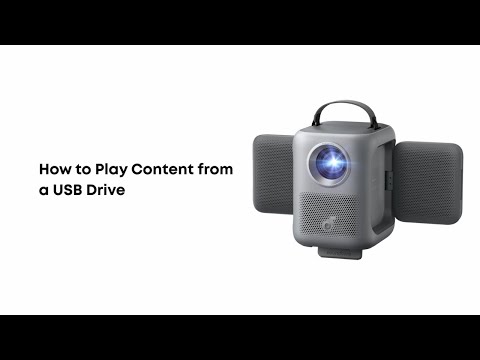
Play videoHow to Play Content from a USB Drive on P1i?
How to Play Content from a USB Drive on P1i?
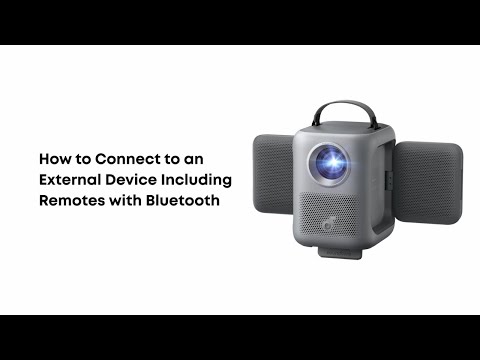
Play videoHow to Connect P1i to an External Device Including Remotes with Bluetooth
How to Connect P1i to an External Device Including Remotes with Bluetooth
View More