Thank you for supporting our product.
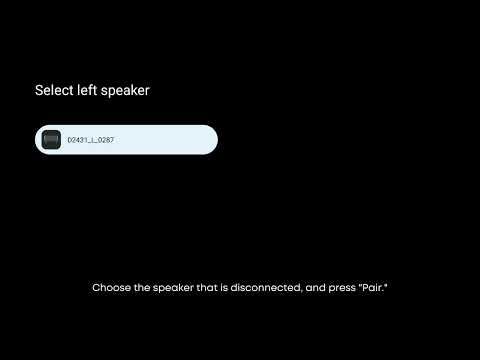
During daily use of the projector and satellite speakers, some beeps and disconnections may affect the viewing experience. Our projector and satellite speakers are connected via BT 2.4G, which is a common band used by many electronic devices. Interference can occur from devices such as cameras, routers, doorbells, etc.
We suggest separating the speaker from the projector and keeping both away from other electronic devices during reconnection to reduce interference. We hope this will help solve your problem and look forward to your feedback.
Troubleshooting:
1. In daily use, try to minimize the number of Bluetooth or Wi-Fi devices in the projector's environment, especially when preparing to connect the speaker.
2. Adjust the placement of the projector and satellite speakers so that the speaker is facing the projector.
3. Ensure the distance between the projector and the speakers is no more than 8 meters.
4. When using the satellite speakers separately from the projector, avoid placing the speakers next to Wi-Fi devices whenever possible.
If you need additional assistance, please contact our customer support team.