What should I do if the voice assistant on YouTube does not work?
If the voice assistant does not work on Youtube, you can enable it by following these steps:
1) Step 1: Go to Settings > Apps > See All Apps > YouTube > Clear Cache.
2) Step 2: Go to Settings > Apps > YouTube > Permissions, change the Microphone permission to Allow only while using the audio.
If you still have any questions, please contact Support@seenebula.com for further assistance.


225 undefined

Nebula P1 Brugervejledning (D2431)
Nebula P1 دليل المستخدم (D2431)
Nebula P1 Ръководство за потребителя (D2431)
Nebula P1 Korisničko uputstvo (D2431)
Nebula P1 Korisnički vodič (D2431)
Nebula P1 Упатство за корисник (D2431)
View More

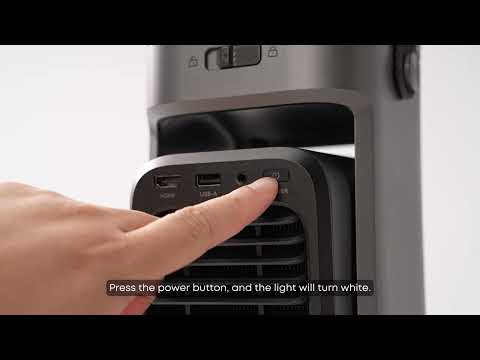
Unboxing Nebula P1 and Getting Started
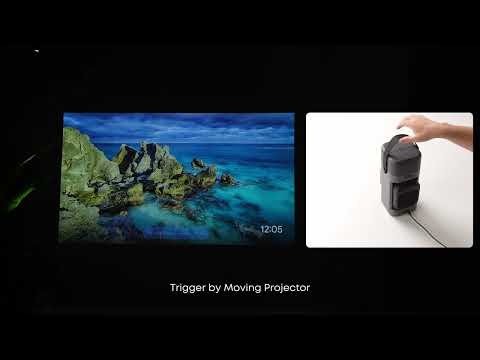
How to Focus Your Projection
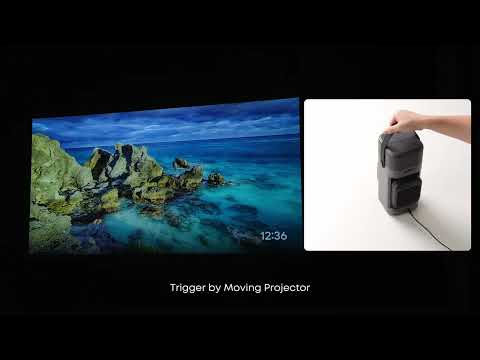
How to perform keystone correction on the P1
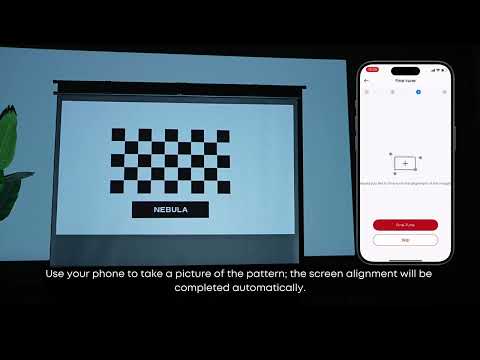
How to Use VisionFit for Screen Fit and Obstacle Avoidance
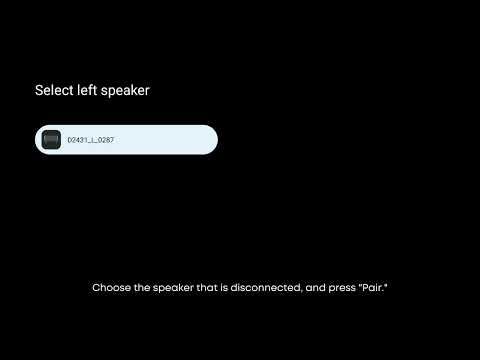
How to Reconnect the Surround Speakers
How to play content from a USB drive on the P1?
View More