What should I do if my Nebula projector gets stuck at the logo when I start it up?
Thank you for supporting our product.
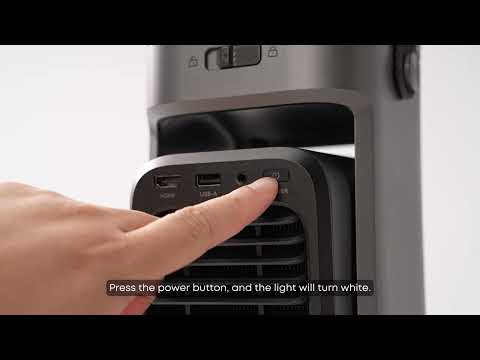
After powering off and restarting the projector, press the power button on the remote control to turn it on again, and then press the Volume Button quickly and continuously to enter Data Erase Mode.
Wait for the erase process to complete and then you can start the device normally.
Note: The erase process will delete all local files and data.
If you need additional assistance, please contact our customer support team.