What should I do if my Nebula P1 is not receiving a signal via HDMI?
Thank you for supporting our product.
1. Use a different HDMI cable.
2. Connect the projector to another device using an HDMI cable.
3. Disconnect from the projector and then try to connect your device to the TV via HDMI.
4. Adjust the HDMI output resolution of the connected device to match your projector.
If you need additional assistance, please contact our customer support team.


50 undefined
How to Connect the Nebula Connect App to Your Nebula Projector?


How Do I Mirror or Stream Video From iOS Devices to Projector?
Troubleshooting Projector Lag Issues
What should I do if the voice assistant on YouTube does not work?
How does IOS and Android phone screen mirroring and projection operation function?
What Should I Do if My Google TV NEBULA Projector Can't Connect to Wi-Fi or is Constantly Disconnecting?
How do I fix a projector with delay issues?
Nebula Connect App Function Guide
Can I Sideload Android Apps to Cosmos 4K SE/Nebula X1/Nebula X1 Pro/P1?
How do I mirror or stream video from Android devices to Projector?

Nebula P1 Brugervejledning (D2431)
Nebula P1 دليل المستخدم (D2431)
Nebula P1 Ръководство за потребителя (D2431)
Nebula P1 Korisničko uputstvo (D2431)
Nebula P1 Korisnički vodič (D2431)
Nebula P1 Упатство за корисник (D2431)
View More

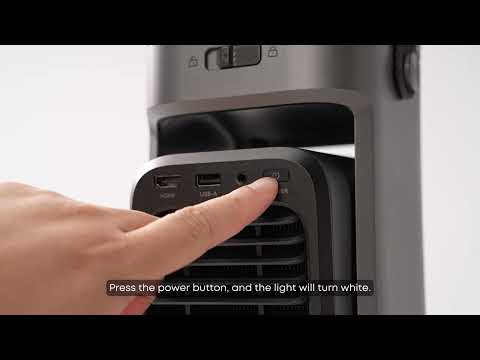
Unboxing Nebula P1 and Getting Started
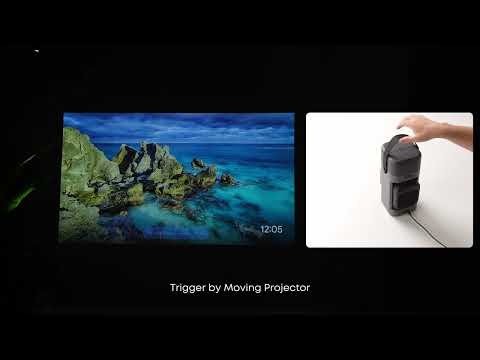
How to Focus Your Projection
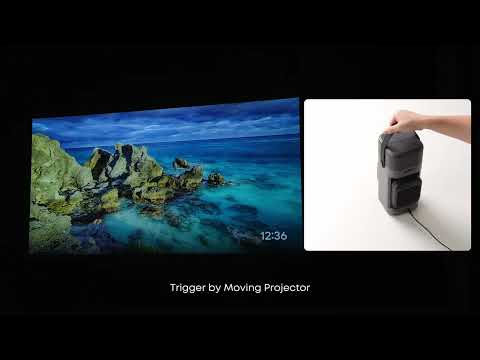
How to perform keystone correction on the P1
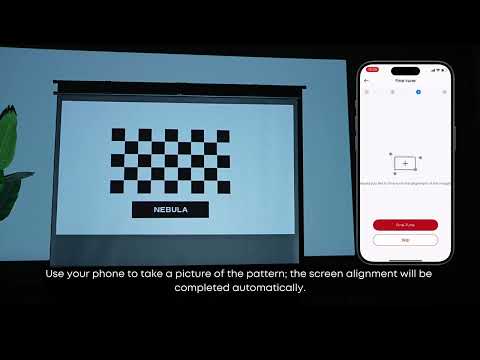
How to Use VisionFit for Screen Fit and Obstacle Avoidance
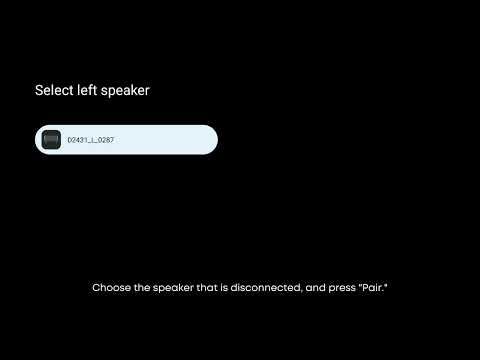
How to Reconnect the Surround Speakers
How to play content from a USB drive on the P1?
View More