What should I do if Nebula P1 is out of focus
Thank you for supporting our product.
Path 1: Short press the Focus Button on the remote control.
Path 2: All Settings > Projector > Focus > Start Auto Focus).
If it's still blurry after auto focusing, long-press the focus button on the remote control, then tap Manual Focus to enter the manual focus interface. Press the left and right arrow keys to adjust the screen until it is clear.
If you need additional assistance, please contact our customer support team.


50 undefined
How to Connect the Nebula Connect App to Your Nebula Projector?


How Do I Mirror or Stream Video From iOS Devices to Projector?
Troubleshooting Projector Lag Issues
What should I do if the voice assistant on YouTube does not work?
How does IOS and Android phone screen mirroring and projection operation function?
What Should I Do if My Google TV NEBULA Projector Can't Connect to Wi-Fi or is Constantly Disconnecting?
How do I fix a projector with delay issues?
Nebula Connect App Function Guide
Can I Sideload Android Apps to Cosmos 4K SE/Nebula X1/Nebula X1 Pro/P1?
How do I mirror or stream video from Android devices to Projector?

Nebula P1 Brugervejledning (D2431)
Nebula P1 دليل المستخدم (D2431)
Nebula P1 Ръководство за потребителя (D2431)
Nebula P1 Korisničko uputstvo (D2431)
Nebula P1 Korisnički vodič (D2431)
Nebula P1 Упатство за корисник (D2431)
View More

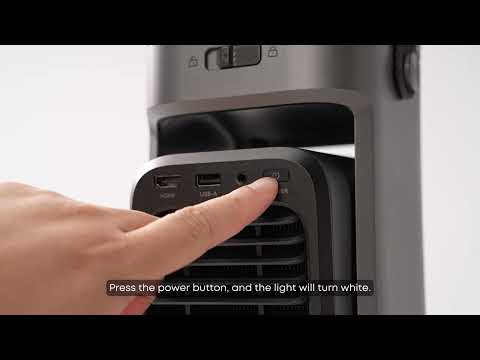
Unboxing Nebula P1 and Getting Started
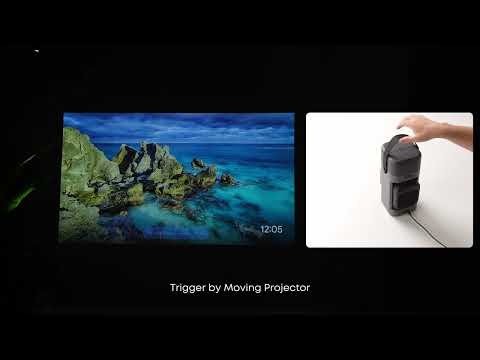
How to Focus Your Projection
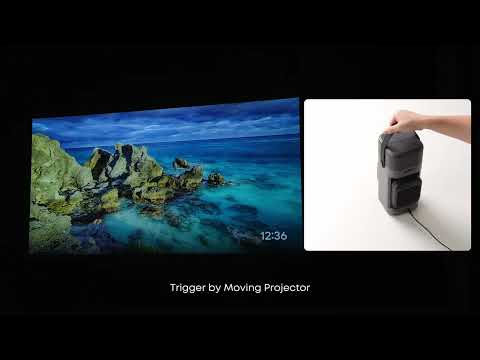
How to perform keystone correction on the P1
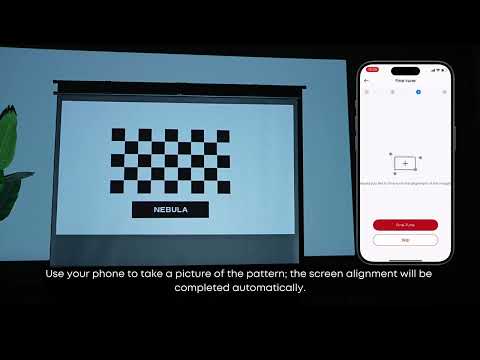
How to Use VisionFit for Screen Fit and Obstacle Avoidance
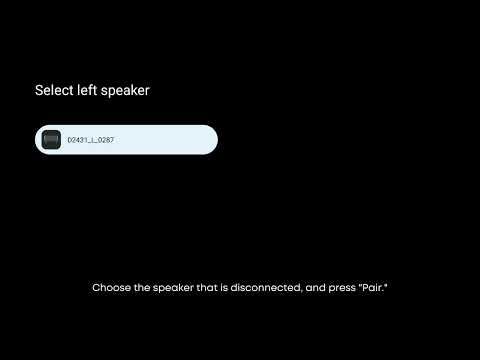
How to Reconnect the Surround Speakers
How to play content from a USB drive on the P1?
View More