What should I do if Capsule Air has no sound?
Try the following steps to see if they help:
1. Switch between various projection modes to see if your projector can play sound.
2. Press the Volume Up button on top of your projector.
3. In Projection Mode, connect your projector to an external Bluetooth speaker by going to Settings > Display and Sound > Sound > Turn On Bluetooth Speaker Mode.
If you still have any questions, please contact Support@seenebula.com for further assistance.


40 undefined
How to Connect the Nebula Connect App to Your Nebula Projector?


How do I mirror or stream video from iOS devices to Capsule Air?
What Should I Do if My NEBULA Projector Gets Stuck on the Logo When Starting Up?
what should I do if I can't connect to Nebula Connect?
Troubleshooting Projector Lag Issues
What should I do if the voice assistant on YouTube does not work?
Maximizing Projector Battery Life
Unleash Your Space: A Full Guide to Choosing the Perfect Nebula Projector for Any Setting
What Should I Do if My Google TV NEBULA Projector Can't Connect to Wi-Fi or is Constantly Disconnecting?
Can I sideload Android apps to Capsule Air?

D4111_Capsule_EU_Declaration_of_Conformity
D4111_Capsule_Manual
NEBULA Capsule Air Guide de l'utilisateur (D4112)
NEBULA Capsule Air User Guide (D4112)
NEBULA Capsule Air 사용자 가이드 (D4112)
NEBULA Capsule Air Guida per L'utente (D4112)
View More

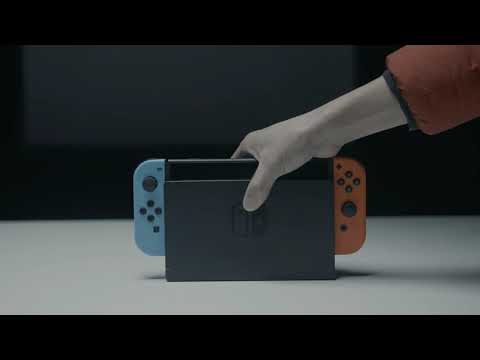
How to Connect to Nintendo Switch on Android Projectors

Bluetooth Speaker Mode on Nebula projectors
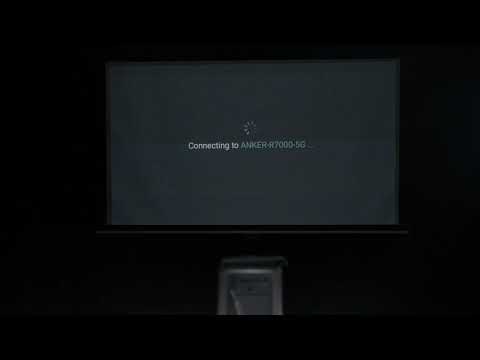
How to Set up Android projectors

How to Cast Content from my iOS Phone on Android Projectors
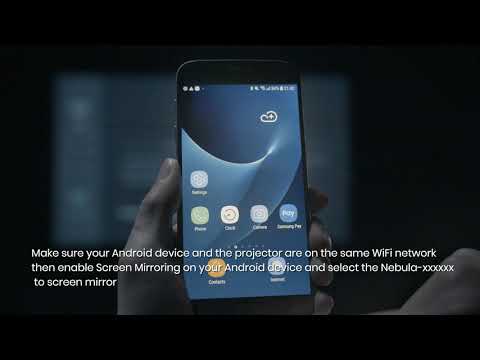
How to Cast Content from My Android Phone on Android Projectors
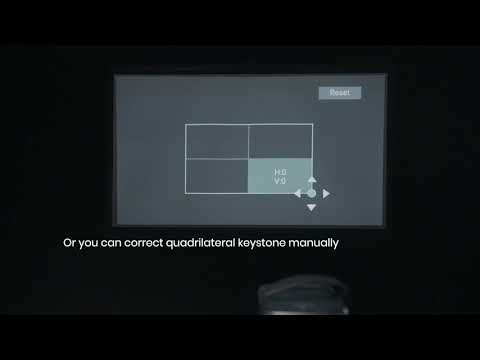
Auto and Manual Keystone Correction on Android Projectors
View More