Can I sideload Android apps to Capsule Air?

You can download more than 7,000 native apps from Google Play directly to Capsule Air. For apps not available on Google Play, download the APK file to a USB drive to install on Capsule Air. Make sure the File Explorer app is installed on Capsule Air so your USB drive is recognized.


Note: If you have a USB-C flash drive, you can connect it directly to the USB-C port on your projector.

Using a Hub:

If you have a USB-A flash drive or need additional ports, you can use a USB-C hub that supports Power Delivery (PD) protocol.

This hub can convert your USB-C port to accommodate USB-A or additional USB-C devices.


If you still have any questions, please contact Support@seenebula.com for further assistance. 

Unresolved icon
41 undefined
Download icon
D4111_Capsule_EU_Declaration_of_Conformity
Download icon
D4111_Capsule_Manual
Download icon
NEBULA Capsule Air Guide de l'utilisateur (D4112)
Download icon
NEBULA Capsule Air User Guide (D4112)
Download icon
NEBULA Capsule Air 사용자 가이드 (D4112)
Download icon
NEBULA Capsule Air Guida per L'utente (D4112)
View More
Play videoHow to Connect to Nintendo Switch on Android Projectors
How to Connect to Nintendo Switch on Android Projectors
Play videoBluetooth Speaker Mode on Nebula projectors
Bluetooth Speaker Mode on Nebula projectors
Play videoHow to Set up Android projectors
How to Set up Android projectors
Play videoHow to Cast Content from my iOS Phone on Android Projectors
How to Cast Content from my iOS Phone on Android Projectors
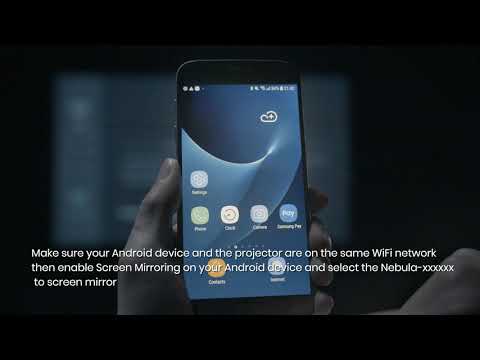
Play videoHow to Cast Content from My Android Phone on Android Projectors
How to Cast Content from My Android Phone on Android Projectors
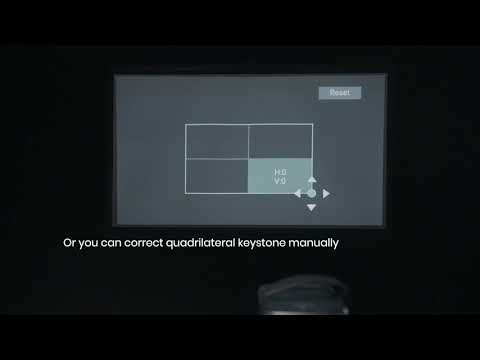
Play videoAuto and Manual Keystone Correction on Android Projectors
Auto and Manual Keystone Correction on Android Projectors
View More