Thank you for supporting our product.
1. Why does my projector display an image with a gray border around it?
This gray border is a characteristic of projectors using Digital Light Processing (DLP) technology. It occurs due to the design of the Digital Micromirror Device (DMD) that is used to adjust the image. The DMD has an inactive area at the edges that creates a gray border around the image when light hits that area
2. Can the gray border be minimized or removed?
Yes, the gray border can be minimized. One way to minimize the gray border is to project as far as possible, keeping the gimbal level and turning off keystone correction. This will make the gray border narrower.
3. What is keystone correction and how does it affect the gray border?
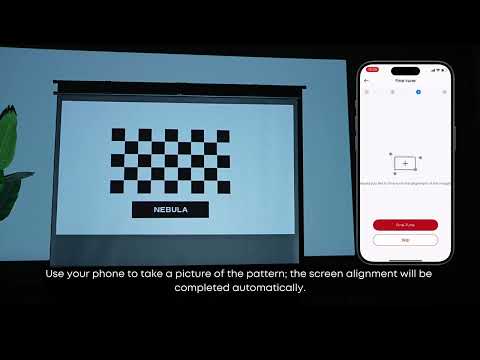
Keystone correction adjusts the image to a rectangular shape when the projector is not perfectly aligned with the screen. This process essentially crops the skewed image into a normal rectangle, thereby increasing the inactive area on the DMD.
4. Is the gray border a defect or a normal feature?
The gray border is normal and an inherent characteristic of the DMD system used in DLP projectors. It is not a defect, but rather a result of technical design.
5. Does the gray border affect the overall viewing experience?
Gray borders are typically very narrow and do not significantly affect the overall viewing experience. However, if you feel uncomfortable, you can adjust the position and settings of the projector as described above to minimize the visibility of the gray border.
6. Are there other solutions to reduce the gray border?
Other than adjusting keystone correction and projector position, there is no other solution to completely eliminate the gray border, as it is a fundamental aspect of DMD technology. However, ensuring that the projector is properly aligned with the screen can help minimize its impact.
If you need additional assistance, please contact our customer support team.