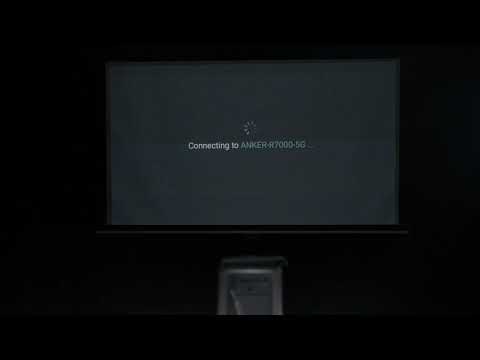
What should I do if Capsule 3/Mars 3 Air can't connect to Wi-Fi?
If the capsule 3 or the Mars 3 air cannot connect to wifi, please try the following tips to see if it helps.

1. Ensure that projector and the router are within 5 meters of each other and that your other devices can detect the Wi-Fi signal.
2. Confirm that your other devices are connected to the same Wi-Fi network.
3. Check if your time zone is accurate by going to Settings > System > Date and Time. 
4. Try connecting to a different Wi-Fi network or use your phone's hotspot.
5. Experiment with your router's 2.4 GHz and 5 GHz settings.
6. Disable other wireless devices such as Bluetooth and wireless mice, as they may interfere with the Wi-Fi signal.
7. Reset the router's settings.
8. Restart your projector by going to Settings > System > Restart.

If the issue persists,  please contact us for further assistance. 

 
Unresolved icon
104 undefined
Download icon
D2321_Mars Lite_Manual
Download icon
D2322_Mars_II_EU_Declaration_of_Conformity
Download icon
D2323_Mars_II_Pro_UK_Declaration_of_Conformity
Download icon
D2323_Mars II Pro_Manual
Download icon
【D2323】【MARS2 PRO】EU Declaration
Download icon
D2325 Nebula Mars 3 Air UK Declaration of Conformity
View More
Play videoHow to Connect to Nintendo Switch on Android Projectors
How to Connect to Nintendo Switch on Android Projectors
Play videoBluetooth Speaker Mode on Nebula projectors
Bluetooth Speaker Mode on Nebula projectors
Play videoHow to Set up Android projectors
How to Set up Android projectors
Play videoHow to Cast Content from my iOS Phone on Android Projectors
How to Cast Content from my iOS Phone on Android Projectors
Play videoHow to Cast Content from My Android Phone on Android Projectors
How to Cast Content from My Android Phone on Android Projectors
Play videoAuto and Manual Keystone Correction on Android Projectors
Auto and Manual Keystone Correction on Android Projectors
View More