What should I do if Capsule 3 Laser can't connect to Wi-Fi?

1. Ensure that Capsule 3 Laser and the router are within 5 meters of each other and that your other devices can detect the Wi-Fi signal.

2. Confirm that your other devices are connected to the same Wi-Fi network.

3. Check if your time zone is accurate by going to Settings > System > Date and Time.

4. Try connecting to a different Wi-Fi network or use your phone's hotspot.

5. Experiment with your router's 2.4 GHz and 5 GHz settings.

6. Disable other wireless devices such as Bluetooth and wireless mice, as they may interfere with the Wi-Fi signal.

7. Reset the router's settings.

8. Restart your projector:

For GTV, Go to Settings > System > Restart.

For ATV, Go to Settings > Device Preferences > Restart.


If you still have any questions, please contact Support@seenebula.com for further assistance. 


Unresolved icon
97 undefined
How to Fix HDMI No Signal or Unstable Signal Issue
3618 views1 likes/2025-04-08 17:27:07
How to Pair a Remote Control With Your Nebula Projector
3111 views1 likes/2025-04-07 18:23:25
Payments & Vouchers FAQ
2152 views1 likes/2025-12-29 17:34:13
How to Locate the Serial Number on Nebula Products?
1665 views1 likes/2025-04-07 16:32:02
About Nebula Connect App
3872 views1 likes/2025-04-08 17:27:06
Download icon
D2426_Capsule 3 Laser_Manual
Download icon
D2426_Capsule_III_UK_Declaration_of_Conformity
Download icon
D2421_Capsule_II_EU_Declaration_of_Conformity_1
Download icon
D2421_Capsule_II_EU_Declaration_of_Conformity_2
Download icon
D2421_Capsule_II_UK_Declaration_of_Conformity
Download icon
D2421_Capsule II_Manual
View More
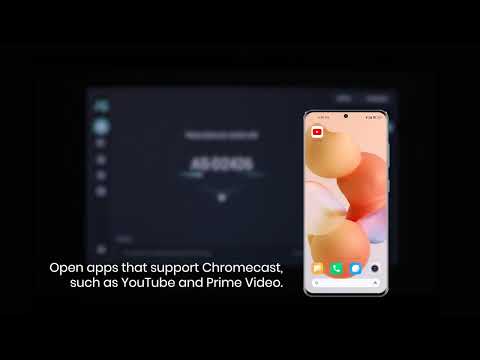
Play videoHow to use Chromecast Airplay
How to use Chromecast Airplay
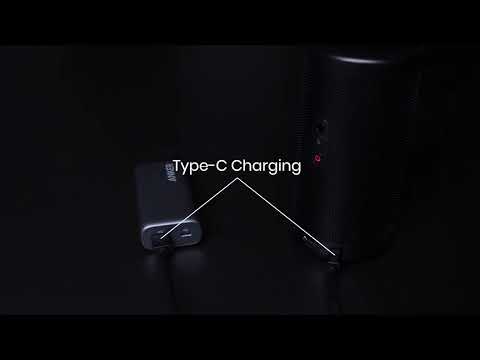
Play videoSignal Input Output
Signal Input Output
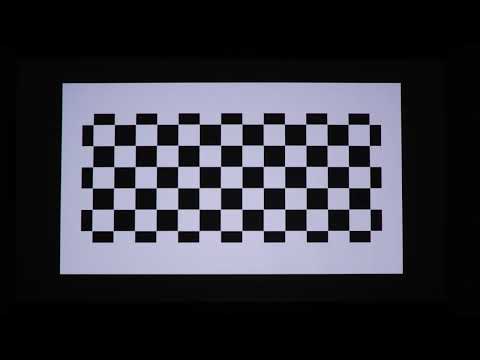
Play videoAuto and Manual keystone correction
Auto and Manual keystone correction
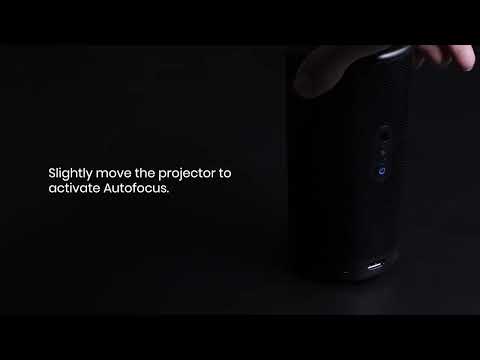
Play videoAuto and Manual focus
Auto and Manual focus
Play videoHow to Set Up an Android TV Projector
How to Set Up an Android TV Projector
Play videoHow to Cast Content from my iOS Phone on Android TV Projectors
How to Cast Content from my iOS Phone on Android TV Projectors
View More