What if My Nebula Mars II Pro or Mars II Projector Loses Focus When Autofocus is On?

Projector's autofocus feature ensures that the projected image is as sharp as possible without the user having to manually adjust the projector's focus. 


If  your Mars II Pro or Mars II projector loses focus and the image projected is blurry, please try the following steps:

1. Turn on Autofocus by selecting Settings > Projector > Auto Focus Correction > On.

2. Place the projector within 3 meters from the projection screen.

3. Slightly move the device or press and hold the "menu" button for 2-3 seconds to trigger the autofocus mechanism. If necessary, you could press the volume +/- buttons to manually adjust the focus when the autofocus symbol appears on screen.


If you have additional questions, please contact us for further assistance.

Unresolved icon
78 undefined
Download icon
D2321_Mars Lite_Manual
Download icon
D2322_Mars_II_EU_Declaration_of_Conformity
Download icon
D2323_Mars_II_Pro_UK_Declaration_of_Conformity
Download icon
D2323_Mars II Pro_Manual
Download icon
【D2323】【MARS2 PRO】EU Declaration
Download icon
D2325 Nebula Mars 3 Air UK Declaration of Conformity
View More
Play videoHow to Connect to Nintendo Switch on Android Projectors
How to Connect to Nintendo Switch on Android Projectors
Play videoBluetooth Speaker Mode on Nebula projectors
Bluetooth Speaker Mode on Nebula projectors
Play videoHow to Set up Android projectors
How to Set up Android projectors
Play videoHow to Cast Content from my iOS Phone on Android Projectors
How to Cast Content from my iOS Phone on Android Projectors
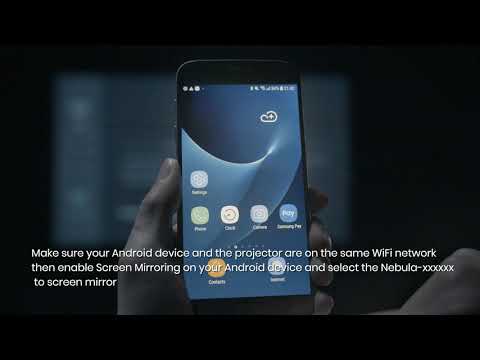
Play videoHow to Cast Content from My Android Phone on Android Projectors
How to Cast Content from My Android Phone on Android Projectors
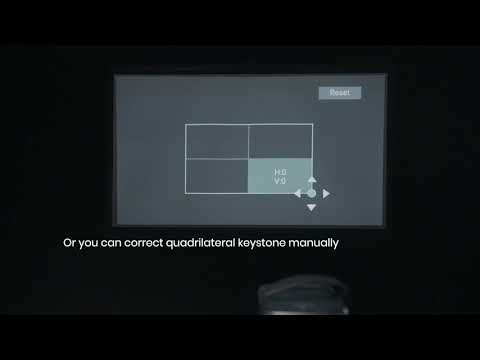
Play videoAuto and Manual Keystone Correction on Android Projectors
Auto and Manual Keystone Correction on Android Projectors
View More