How to Mirror Your Windows 10 PC to an Android Projector?

Both our Android projectors and Windows 10 system support Miracast, so you can mirror content from a Windows 10 PC to your Android projector through the following steps:


1. Connect your Windows 10 PC and the projector to the same Network. Note: The network can be a WiFi network or your phone's hotspot.

2. Open "Screen Cast" on Nebula by selecting Settings > General > Screen Mirroring > Android. 

3. Open the Action Center on your Windows 10 computer and select Project.


4. Select "Connect to a Wireless Display".
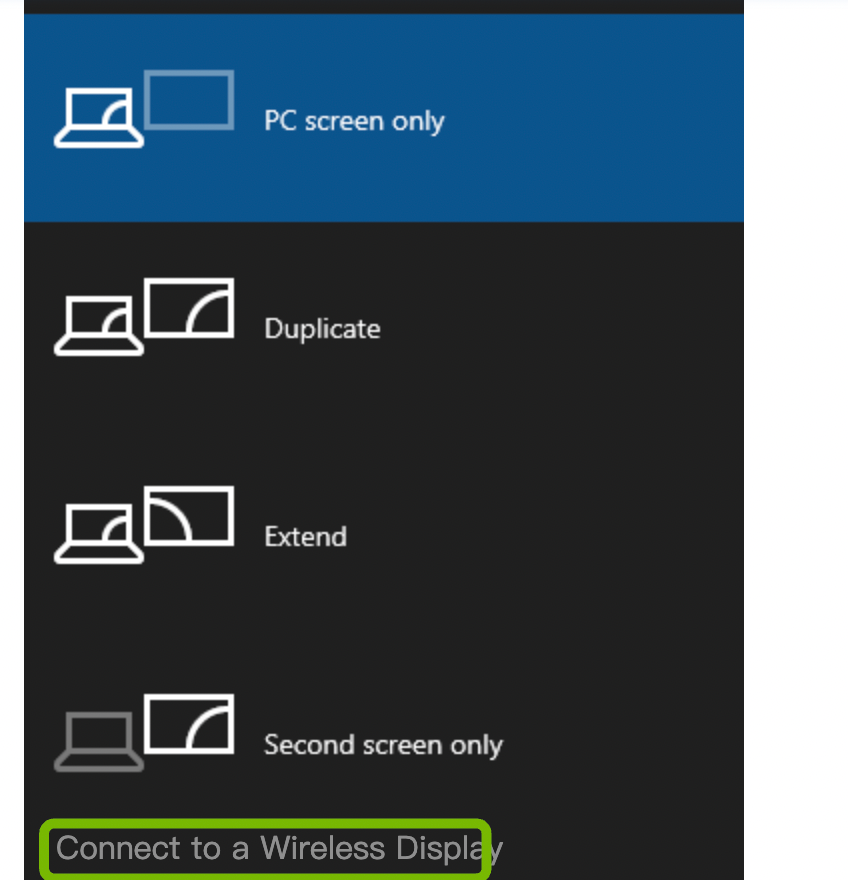


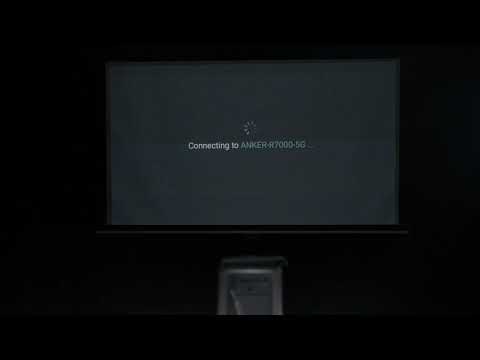
5. A scan for wireless display devices will start. Select your Nebula device from the list of available devices, then your PC content will show on the projector screen.


If you cannot mirror properly, please contact us for further assistance.

How to Mirror Your Windows 10 PC to an Android Projector?
148 undefined
A3961 QSG V2(1)
Liberty 4_A3953_QSG
Q20i_QSG
EU Declaration of Conformity for soundcore A3i_A3992
UK&CA Declaration of Conformity for soundcore Liberty 4_A3953
EU&UK Declaration of Conformity for soundcore Sleep A10_A6610
View More
How to use Liberty 4 Wellness features
How to Connect to the Soundcore App and Update Firmware for Sport X10
How to Wear Liberty 4 and Change Eartips
How to solve a connection issue on Sleep A10
How to Use Features On the Soundcore App for Sport X10
How to Pair and Reset Sport X10
View More