What if My Capsule Projector Cannot be Charged Properly?

There are several reasons for this charging related issue, for example, the power adapter or the charging cable is not working properly; the charging port of the projector has a problem; the projector is over-discharged.


To resolve this issue, please try these steps:


1. Check if the charging LED is on. Try to use another Quick Charge 3.0 charger and cable if it's off.

2. If the light is on, keep the power adapter plugged in for more than an hour and then power on the projector.

3. Press the power button on the top cover for 10 seconds to reset the projector.


Note:

The charging indicator of Capsule is the "Nebula" logo on the top of the projector. Here's what the colors mean:

Solid blue: Projector mode; Bluetooth connected (Bluetooth Speaker mode);

Flashing blue: Ready to pair/Bluetooth pairing (Bluetooth Speaker mode);

Solid red: Charging;

Solid green: Fully charged.


If this issue persists, please contact us for further assistance. Please make sure to mention that you have tried the listed steps so that our agents do not ask you to repeat these steps.


Unresolved icon
77 undefined
Download icon
D4111_Capsule_EU_Declaration_of_Conformity
Download icon
D4111_Capsule_Manual
Download icon
NEBULA Capsule Air Guide de l'utilisateur (D4112)
Download icon
NEBULA Capsule Air User Guide (D4112)
Download icon
NEBULA Capsule Air 사용자 가이드 (D4112)
Download icon
NEBULA Capsule Air Guida per L'utente (D4112)
View More
Play videoHow to Connect to Nintendo Switch on Android Projectors
How to Connect to Nintendo Switch on Android Projectors
Play videoBluetooth Speaker Mode on Nebula projectors
Bluetooth Speaker Mode on Nebula projectors
Play videoHow to Set up Android projectors
How to Set up Android projectors
Play videoHow to Cast Content from my iOS Phone on Android Projectors
How to Cast Content from my iOS Phone on Android Projectors
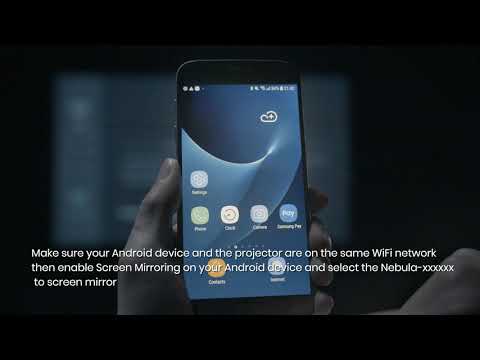
Play videoHow to Cast Content from My Android Phone on Android Projectors
How to Cast Content from My Android Phone on Android Projectors
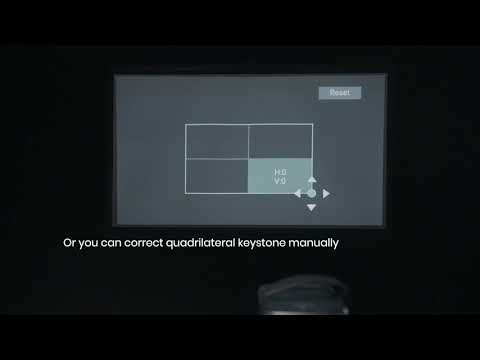
Play videoAuto and Manual Keystone Correction on Android Projectors
Auto and Manual Keystone Correction on Android Projectors
View More