What if I Cannot Mirror or Stream Videos from iOS devices to an Android Projector?
If your Nebula projector is running Android system like Mars II, Mars II Pro, Capsule, Capsule Max, Apollo and Astro, and there is an issue when trying to mirror or stream videos from iOS devices, please try these steps:
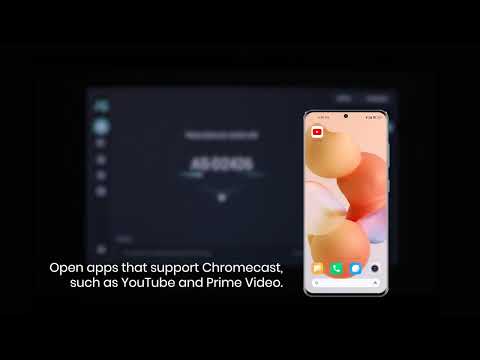
Make sure you've followed the instructionsto mirror or stream videos.
Make sure your phone and the projector are on the same network. Connect your iOS device and the projector to another WiFi or your phone's hotspot.
Update your Nebula's firmware to the latest version by goting to Settings > Upgrade.
Reset the projector by going to Settings > General > About > Recovery.
If the above solutions cannot solve the issue, please contact Nebula Customer Support at support@seenebula.com for further assistance. Please make sure to mention that you have tried the listed steps so that our agents do not ask you to repeat these steps.