What Should I Do if My Nebula Capsule or Astro is Unable to be Fully Charged?

If your Capsule or Astro is unable to be fully charged, please try these steps:

 
  • Completely drain the battery first.
  • Try using another QC 3.0 charger and cable.
  • Select Settings > General > About > Recovery to start the system recovery process and then try to recharge it again.


If this issue persists, please contact us for further assistance. Please make sure to mention that you have tried the listed steps so that our agents do not ask you to repeat these steps.


Unresolved icon
83 undefined
Download icon
D2400_Astro_EU_Declaration_of_Conformity
Download icon
D2400_Astro_Manual
Download icon
D4111_Capsule_EU_Declaration_of_Conformity
Download icon
D4111_Capsule_Manual
Download icon
NEBULA Capsule Air Guide de l'utilisateur (D4112)
Download icon
NEBULA Capsule Air User Guide (D4112)
View More
Play videoHow to Connect to Nintendo Switch on Android Projectors
How to Connect to Nintendo Switch on Android Projectors
Play videoBluetooth Speaker Mode on Nebula projectors
Bluetooth Speaker Mode on Nebula projectors
Play videoHow to Set up Android projectors
How to Set up Android projectors
Play videoHow to Cast Content from my iOS Phone on Android Projectors
How to Cast Content from my iOS Phone on Android Projectors
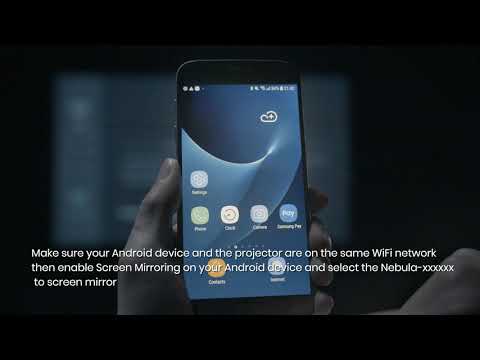
Play videoHow to Cast Content from My Android Phone on Android Projectors
How to Cast Content from My Android Phone on Android Projectors
Play videoHow to Connect to a TV Box on Android Projectors
How to Connect to a TV Box on Android Projectors
View More