What Should I Do If My Capsule Max or Apollo is Not Bright Enough?

To get the brightest image projected by Capsule Max or Apollo, please change the image mode to Standard Mode by going to Settings > Projector > Image Mode > Standard Mode. 


Because of its soda-can design, we're only able to offer 200 ANSI Lumens in this little guy. Better brightness would create more heat, and more heat would have required us to make Capsule Max and Apollo a lot bigger. For best results, use Capsule Max and Apollo in a darker environment.


If you still have any issues or concerns about the brightness of Capsule Max or Apollo, please contact us and make sure to mention that you changed the image mode to Standard Mode to help our agents find a solution for you faster.


Unresolved icon
117 undefined
Download icon
D2410_Apollo_EU_Declaration_of_Conformity
Download icon
D2410_Apollo_Manual
Download icon
D2426_Capsule 3 Laser_Manual
Download icon
D2426_Capsule_III_UK_Declaration_of_Conformity
Download icon
D2421_Capsule_II_EU_Declaration_of_Conformity_1
Download icon
D2421_Capsule_II_EU_Declaration_of_Conformity_2
View More
Play videoHow to Connect to Nintendo Switch on Android Projectors
How to Connect to Nintendo Switch on Android Projectors
Play videoBluetooth Speaker Mode on Nebula projectors
Bluetooth Speaker Mode on Nebula projectors
Play videoHow to Set up Android projectors
How to Set up Android projectors
Play videoHow to Cast Content from my iOS Phone on Android Projectors
How to Cast Content from my iOS Phone on Android Projectors
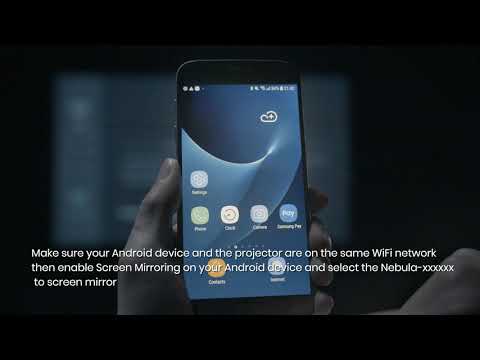
Play videoHow to Cast Content from My Android Phone on Android Projectors
How to Cast Content from My Android Phone on Android Projectors
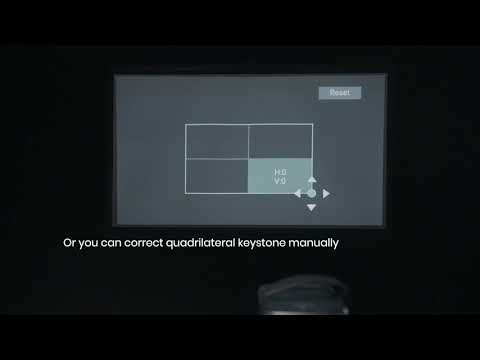
Play videoAuto and Manual Keystone Correction on Android Projectors
Auto and Manual Keystone Correction on Android Projectors
View More