What Should I Do If I Can't Hear Sound From the Built-In Speaker on My Nebula Apollo or Capsule Max?
If you don't hear sound coming out of the built-in speaker of your Apollo or Capsule Max, try the following steps:
- Turn up the volume on your Apollo or Capsule Max and play different videos in multiple streaming apps;
- Update your Apollo or Capsule Max to the latest firmware by going to Settings > Upgrade > Check Update;
- Switch your projector to Bluetooth Speaker Mode (refer to How to Use a Nebula Apollo/ Capsule Max as a Bluetooth Speaker ). Next, connect your phone to the projector to play music and listen for sound;
- While your Apollo or Capsule Max is in Projector Mode, connect your projector to a Bluetooth speaker or headphones via Settings > Bluetooth to test the sound;
- Reset your Apollo or Capsule Max by selecting Settings > (General) > About > Recovery and try the built-in speaker again.
If you are still encountering the issue with the built-in speaker, contact us with the following information so we can find you a solution much faster:
- Your Nebula's current firmware version. You can check this by going to Settings > (General) > About > System Version;
- A short video that shows no sound coming from your projector's built-in speaker in both Projector Mode and Bluetooth Speaker Mode.


82 undefined
How to Find an App in Nebula Manager/Store


How to Connect a Computer or Smartphone to a Nebula Projector through an HDMI Cable?
How to Mirror or Stream Videos from an iOS Device to an Android Projector
How to Update the Firmware on Android Projector?
How to Install and Use Disney+ on Android Projectors
How to Connect an External Speaker to Your Projector (Android System)
How to Mirror Your Windows 10 PC to an Android Projector?
How to Connect the Nebula Connect App to Your Nebula Projector?
How to Choose the Right Tripod or Stand for Nebula Projectors?
How to Fix HDMI No Signal or Unstable Signal Issue

D2426_Capsule 3 Laser_Manual
D2426_Capsule_III_UK_Declaration_of_Conformity
D2421_Capsule_II_EU_Declaration_of_Conformity_1
D2421_Capsule_II_EU_Declaration_of_Conformity_2
D2421_Capsule_II_UK_Declaration_of_Conformity
D2421_Capsule II_Manual
View More

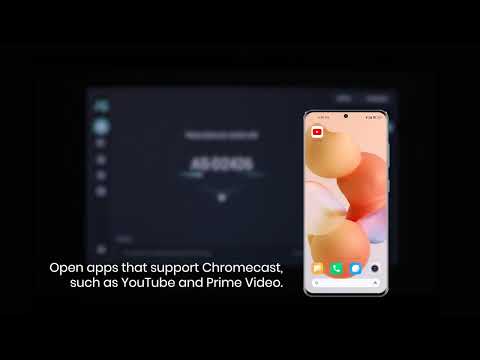
How to use Chromecast Airplay
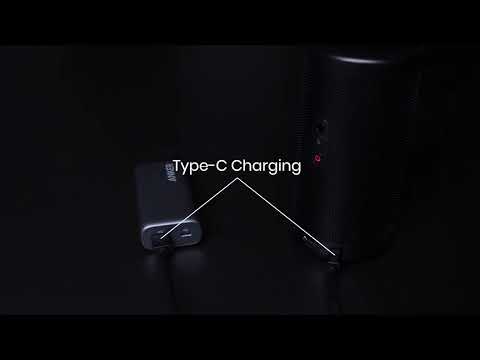
Signal Input Output
Auto and Manual keystone correction
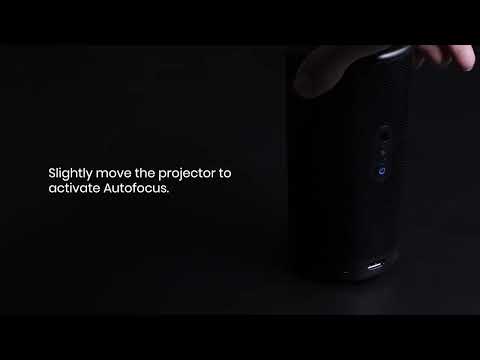
Auto and Manual focus

How to Set Up an Android TV Projector

How to Cast Content from my iOS Phone on Android TV Projectors
View More