What Should I Do If I Can't Cast Videos from My Phone to My Nebula Projector with Android System?
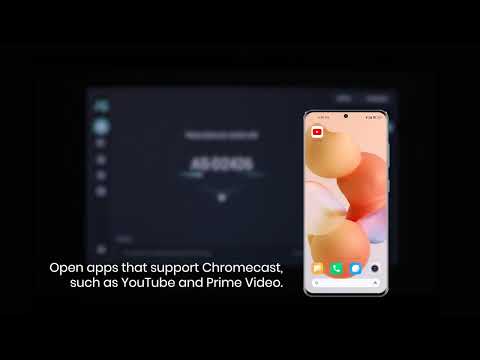
Copyrighted content from Hulu, Netflix, and similar services can't be mirrored or screencast on a Nebula Projector with Android system like Mars II, Mars II Pro, Capsule, Capsule Max, Apollo and Astro. If you hear a voice, but don't see an image, or if you press the cast button, and nothing happens, try these 2 solutions.
Download and use the apps directly through Nebula Manager on the projector homepage to view copyrighted content from these providers. Chromecast is not supported. For peak performance, please update to the latest firmware.
You can try to connect your device to the projector via HDMI to watch videos from your apps. Note: Netflix cannot be cast via HDMI due to the limitation of the Netflix app.