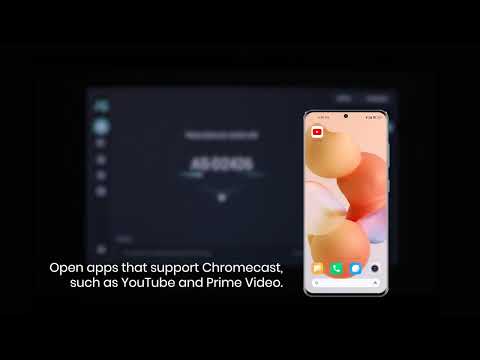
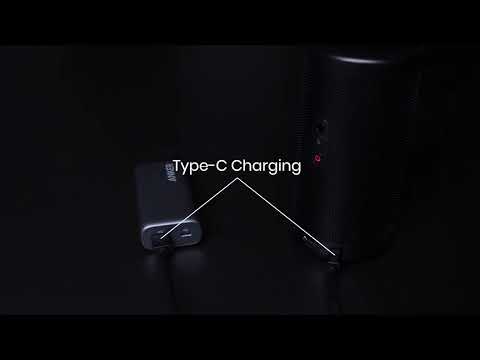
Capsule 3 Laser supports Chromecast, so you can mirror or stream videos from your Android devices that use Chromecast.
Note that Chromecast uses a Wi-Fi connection, not a Bluetooth connection.
Also note that copyrighted content CANNOT be mirrored or cast. If you want to watch Netflix, you can directly download it from Google play store onto your projector.
For a guide to mirror or stream videos, please follow these instructions:
Screen Mirroring
1. Make sure your Android device and Capsule 3 Laser are on the same Wi-Fi network. You can use your phone's hotspot.
2. Go to Settings > Connected Devices > Connection Preferences > Cast.
3. Select Capsule 3 Laser as the device you want to cast to.
Streaming Videos
1. Make sure your Android device and Capsule 3 Laser are on the same Wi-Fi network. You can use your phone's hotspot. Then use Chromecast to stream.
2. Open the app you want to stream from. Note that Chromecast can only open apps that support Chromecast, such as YouTube and Prime Video. For more information about apps that support Chromecast, install the Google Home app onto your phone.
3. While the video is playing, click the Chromecast button at the top to search for a Chromecast compatible device. Select Capsule 3 Laser.
If you still have any questions, please contact Support@seenebula.com for further assistance.