How Do I Keep My Nebula Projector From Lagging (Android System)?

If your Nebula projector with Android system (like Capsule, Apollo, Capsule Max, Mars II, Mar II Pro, Astro) is stuttering or lagging, please try the following steps:


1. Clear your projector's cache by going to Settings > General > Clean Cache;

2. Uninstall and reinstall any apps you installed recently;

3. Reset the projector by going to Settings > General > About > Recovery.


Still having an issue? Contact us and send us a short video of the problem so we can better help you.


Unresolved icon
142 undefined
Download icon
D2410_Apollo_EU_Declaration_of_Conformity
Download icon
D2410_Apollo_Manual
Download icon
D2400_Astro_EU_Declaration_of_Conformity
Download icon
D2400_Astro_Manual
Download icon
D2321_Mars Lite_Manual
Download icon
D2322_Mars_II_EU_Declaration_of_Conformity
View More
Play videoHow to Connect to Nintendo Switch on Android Projectors
How to Connect to Nintendo Switch on Android Projectors
Play videoBluetooth Speaker Mode on Nebula projectors
Bluetooth Speaker Mode on Nebula projectors
Play videoHow to Set up Android projectors
How to Set up Android projectors
Play videoHow to Cast Content from my iOS Phone on Android Projectors
How to Cast Content from my iOS Phone on Android Projectors
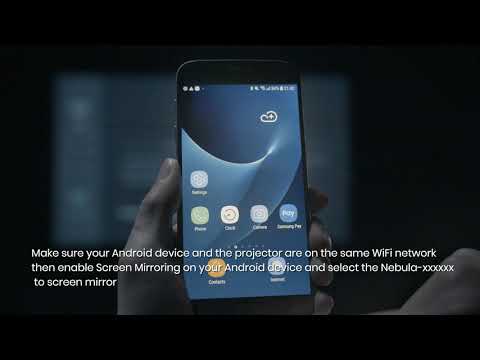
Play videoHow to Cast Content from My Android Phone on Android Projectors
How to Cast Content from My Android Phone on Android Projectors
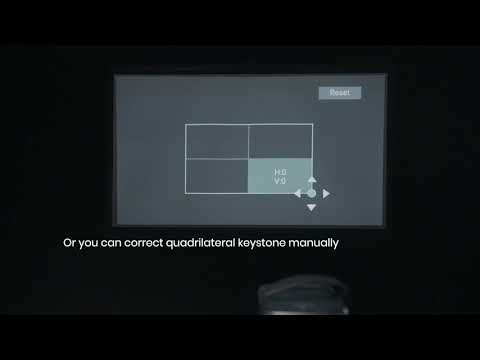
Play videoAuto and Manual Keystone Correction on Android Projectors
Auto and Manual Keystone Correction on Android Projectors
View More