How Do I Activate Cosmos 4K SE’s Autofocus?
1. Slightly move the projector or press the autofocus button to trigger autofocus.
2. To manually adjust, go to Settings > Projector > Focus Settings > Manual Focus Correction and then press the left and right buttons to adjust focus.
If you still have any questions, please contact Support@seenebula.com for further assistance.


70 undefined
How to Connect the Nebula Connect App to Your Nebula Projector?


How do I stream video or mirror from a Windows 10 PC to Capsule 3/Capsule 3 Laser/mars 3/Mars 3 air/Cosmos 4K SE/Nebula X1/Nebula X1Pro?
What Should I Do if My NEBULA Projector Gets Stuck on the Logo When Starting Up?
What should I do if I don't have the original adapter for Cosmos 4K SE?
what should I do if I can't connect to Nebula Connect?
How Do I Mirror or Stream Video From iOS Devices to Projector?
Cosmos 4K SE Recommended Ambient Brightness and Screen Size
Troubleshooting Projector Lag Issues
How do I play videos without Wi-Fi?
What should I do if the voice assistant on YouTube does not work?

D2341_Cosmos Laser_Manual
D2341_Cosmos_Laser_EU_Declaration_of_Conformity
D2341 Cosmos_Laser_UK_Declaration_of_Conformity
Nebula Cosmos 4K SE 取扱説明書 (D2342)
Cosmos 4K SE_QSG
D2342 User Manual DE
View More

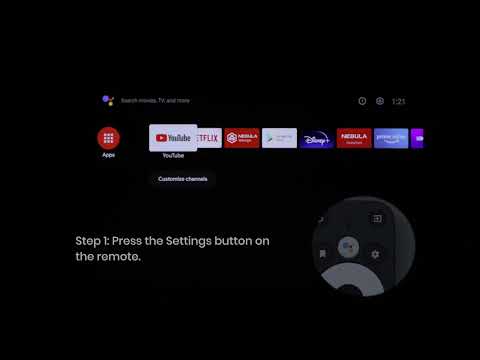
How to Update Your Firmware?

How to Screen Mirror and Cast Content from Your iPhone and Android Phone?
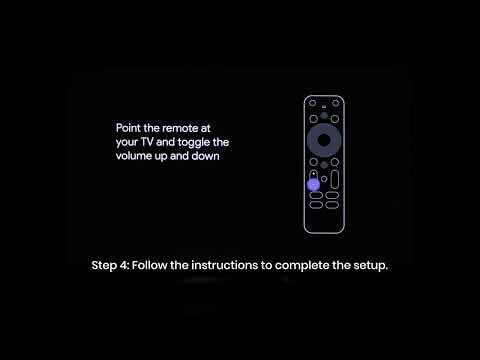
Set up Remote Buttons
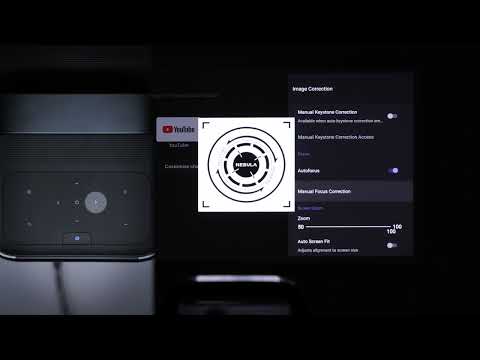
Auto & Manual Focus
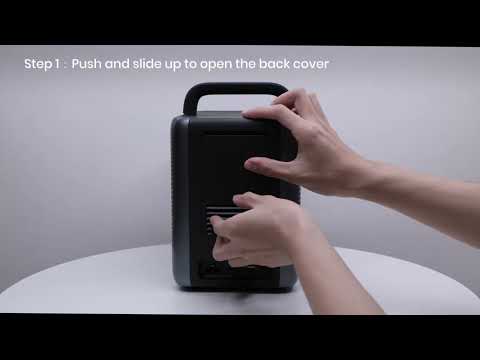
How to Install the 4K Dongle?
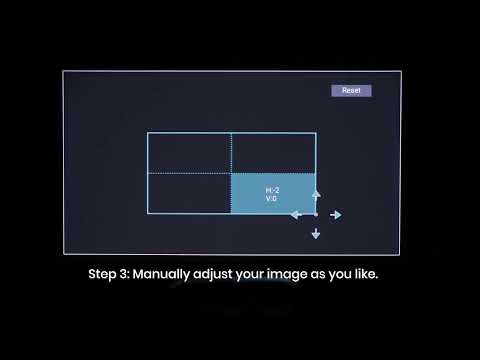
Manual Keystone Correction
View More