Can the USB-C port support working with HDMI?
No, the USB-C port can only be used for charging.
If you still have any questions, please contact Support@seenebula.com for further assistance.


96 undefined
How to Mirror or Stream Videos from an iOS Device to an Android TV Projector


How to Mirror or Stream Videos from an Android Device to an Android TV Projector
How to Connect an External Speaker to Your Projector (Android TV System)
How to Connect the Nebula Connect App to Your Nebula Projector?
How to Fix HDMI No Signal or Unstable Signal Issue
How to Pair a Remote Control With Your Nebula Projector
Payments & Vouchers FAQ
About Nebula Connect App
How to Locate the Serial Number on Nebula Products?
About the Nebula Play App

D2426_Capsule 3 Laser_Manual
D2426_Capsule_III_UK_Declaration_of_Conformity
D2421_Capsule_II_EU_Declaration_of_Conformity_1
D2421_Capsule_II_EU_Declaration_of_Conformity_2
D2421_Capsule_II_UK_Declaration_of_Conformity
D2421_Capsule II_Manual
View More

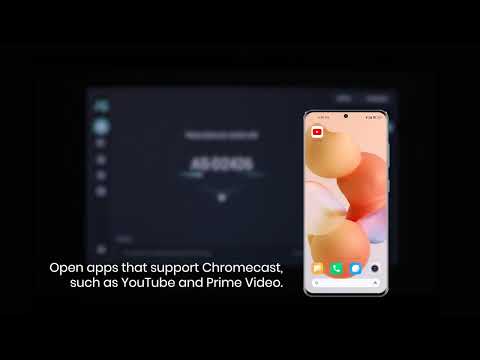
How to use Chromecast Airplay
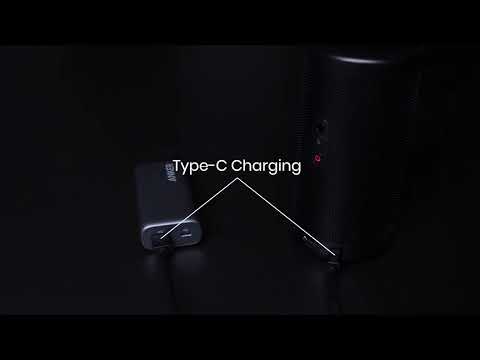
Signal Input Output
Auto and Manual keystone correction
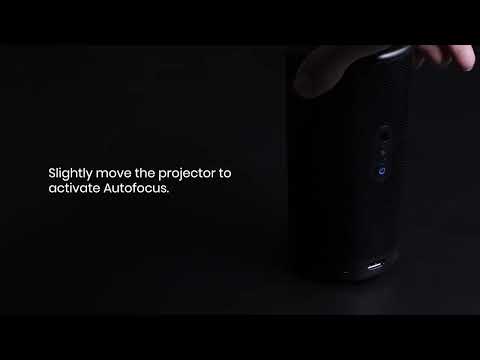
Auto and Manual focus

How to Set Up an Android TV Projector

How to Cast Content from my iOS Phone on Android TV Projectors
View More