What should i do if my capsule 3/capsule 3 laser won't power on or charge?
1. Try a different Power Delivery charger (at least 45W) and USB-C charging cable to recharge it.
2. If the battery is fully depleted, charge the device for 15-30 mins to see if the power button light turns on.
If the above solutions cannot solve your issue, please contact Nebula Customer Support at support@seenebula.com for further assistance.


106 undefined
How to Mirror or Stream Videos from an iOS Device to an Android TV Projector


How to Mirror or Stream Videos from an Android Device to an Android TV Projector
How to Connect an External Speaker to Your Projector (Android TV System)
How to Watch Videos Stored on a USB Flash Drive on a Nebula Projector with Android TV System
How to Connect the Nebula Connect App to Your Nebula Projector?
How to Fix HDMI No Signal or Unstable Signal Issue
How to Pair a Remote Control With Your Nebula Projector
Payments & Vouchers FAQ
About Nebula Connect App
About the Nebula Play App

D2426_Capsule 3 Laser_Manual
D2426_Capsule_III_UK_Declaration_of_Conformity
D2421_Capsule_II_EU_Declaration_of_Conformity_1
D2421_Capsule_II_EU_Declaration_of_Conformity_2
D2421_Capsule_II_UK_Declaration_of_Conformity
D2421_Capsule II_Manual
View More

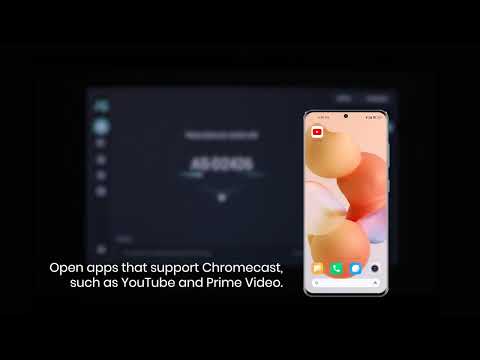
How to use Chromecast Airplay
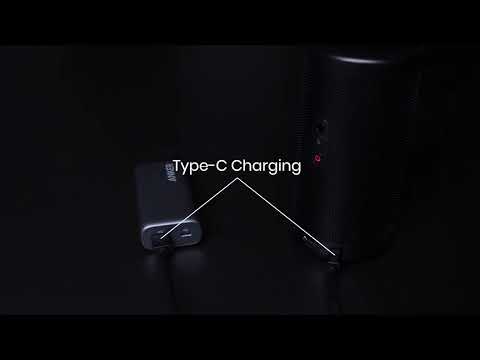
Signal Input Output
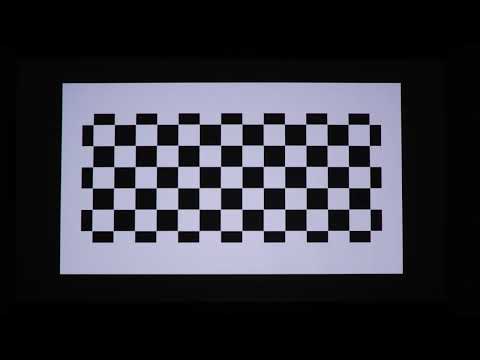
Auto and Manual keystone correction
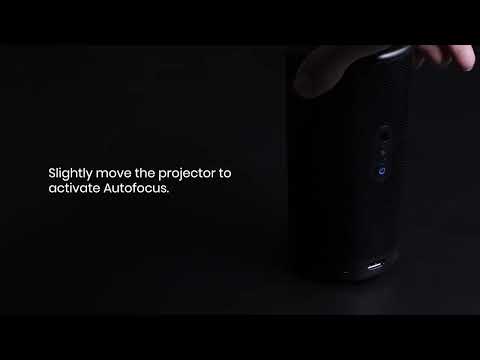
Auto and Manual focus

How to Set Up an Android TV Projector

How to Cast Content from my iOS Phone on Android TV Projectors
View More