What should I do if the Capsule 3 Laser/Mars 3 won't focus properly?
If you are experiencing focus issues with your Capsule 3 Laser/Mars 3 projector, try the following troubleshooting steps:
1. Please ensure that there are no obstructions in front of the projector.
2. Place the projector on a flat and stable surface, such as a table or stand.
3. Position the projector within 3 meters of the screen.
4. If the projector's brightness is low, try increasing it.
5. Ambient light can affect the image quality, so try turning off any surrounding lights.
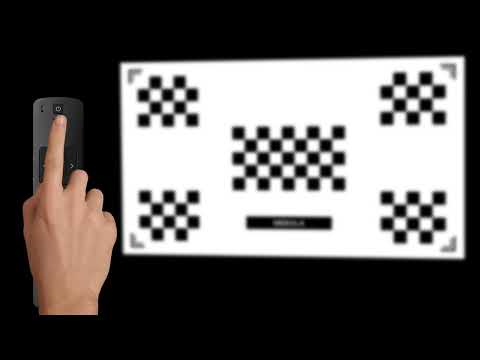
6. Try to manually adjust focus
If the issue persists, please contact us. Be sure to include a short video showing the surroundings when projecting the image and mention that you have already tried the listed steps to avoid being asked to repeat them by our team.