What if My Nebula Capsule II Projector Loses Focus When Autofocus is On?
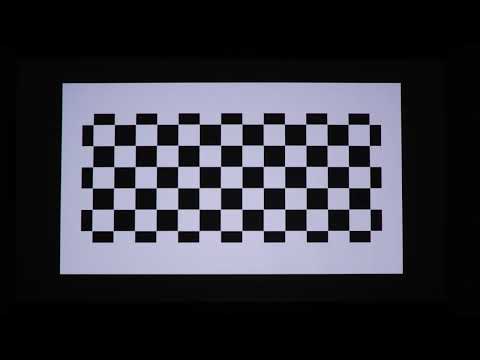
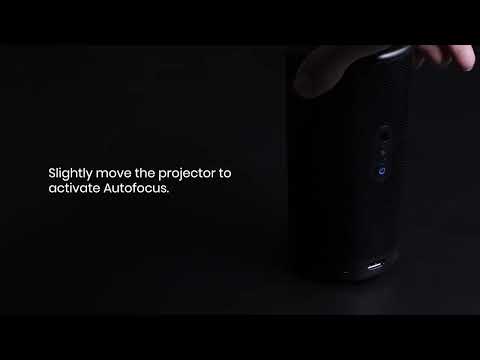
Projector's autofocus feature ensures that the projected image is as sharp as possible without the user having to manually adjust the projector's focus.
If your Nebula Capsule II projector loses focus and the image projected is blurry, please try the following steps:
1.Make sure Autofocus is turned on by selecting Settings > Projector Settings > Auto Focus Correction.
2. Place the Capsule II within 3 meters from the projection screen.
3. Update the Optical Engine Version to the latest version by selecting Settings > Projector Settings > Updated Version.
If you have additional questions, please contact us for further assistance.