What Should I Do if My Nebula Capsule II is Unable to be Fully Charged?

If your Capsule II is unable to be fully charged, please try these steps:

 
  • Completely drain its battery first
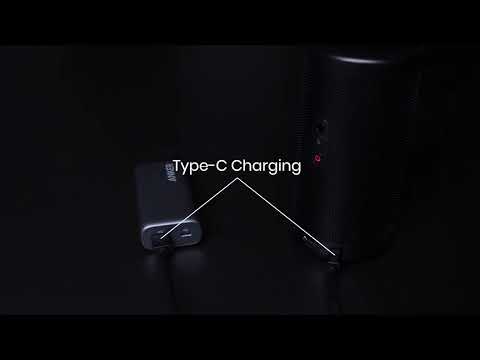
  • Try using a different Power Delivery power adapter (at least 30W) and USB-C charging cable if possible
  • Selecting Settings > Device Preferences > Reset to start the recovery process and then try to recharge the projector again


If this issue persists, please contact us for further assistance. Please make sure to mention that you have tried the listed steps so that our agents do not ask you to repeat these steps.


Unresolved icon
124 undefined
Download icon
D2426_Capsule 3 Laser_Manual
Download icon
D2426_Capsule_III_UK_Declaration_of_Conformity
Download icon
D2421_Capsule_II_EU_Declaration_of_Conformity_1
Download icon
D2421_Capsule_II_EU_Declaration_of_Conformity_2
Download icon
D2421_Capsule_II_UK_Declaration_of_Conformity
Download icon
D2421_Capsule II_Manual
View More
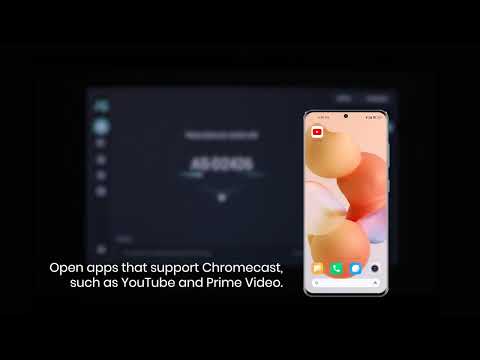
Play videoHow to use Chromecast Airplay
How to use Chromecast Airplay
Play videoSignal Input Output
Signal Input Output
Play videoAuto and Manual keystone correction
Auto and Manual keystone correction
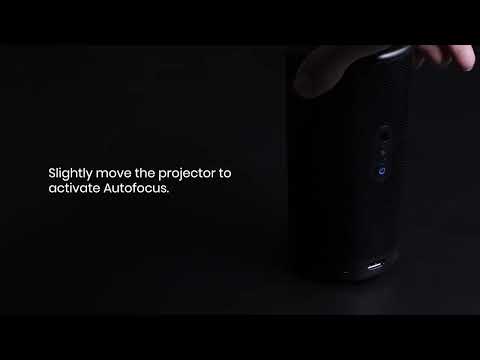
Play videoAuto and Manual focus
Auto and Manual focus
Play videoHow to Set Up an Android TV Projector
How to Set Up an Android TV Projector
Play videoHow to Cast Content from my iOS Phone on Android TV Projectors
How to Cast Content from my iOS Phone on Android TV Projectors
View More