Capsule II and Capsule Max have almost the same appearance, but they are different from each other due to the following five main differences:
Built-in system:
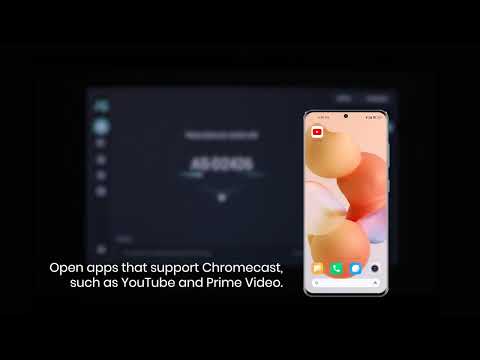
The built-in system on Capsule II is Android TV 9.0 with Google Play Store and Google Play Services pre-loaded;
Capsule Max comes with Android 8.1 and without Google Play Store and Google Play Services pre-loaded.
Charging port:
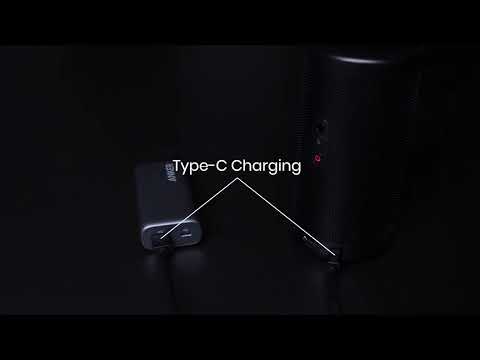
Capsule II comes with a type-C charging port and supports 30W PD power input; Capsule Max comes with a DC-in charging port and supports 15V/3A DC power input. You can charge a Capsule II with a power bank that supports 30W PD power output, but it is unable to charge a Capsule Max with a power bank as no power bank supports DC power input.
Battery life:
Capsule II can last about 2.5 hours playing local videos at 50% sound volume while disconnecting from WiFi network in battery mode (steps: settings > projector settings > image mode > battery mode);
Capsule Max could last about 4 hours.
(Note: Local videos refer to videos that are downloaded in the Nebula or a USB flash drive.)
Keystone correction feature:
Capsule II only supports Auto/Manual (Vertical ±40°) keystone correction; Capsule Max supports Auto (Vertical ±40°) and Manual (Horizontal ±40°) keystone correction.
Internal storage:
Capsule II comes with 8GB internal storage;
Capsule Max comes with 16GB internal storage.
For more information, please refer to the comparison sheet attached below:
|
|
|
|
|
|
|
|
|
|
|
|
|
|
|
|
|
|
|
|
|
|
|
|
|
|
|
|
|
|
|
|
|
|
|
|
|
|
|
|
|
|
|
|
|
|
|
|
|
|
|
|
|
|
|
|
|
|
|
|
|
|
|
|
|
|
|
|
If you have additional questions, please contact us for further assistance.