Congratulations on successfully setting up your Capsule 3! Welcome to the Nebula family, where you are not just a customer, but our top priority.
Firstly, we want you to feel at ease. Your Capsule 3 comes with a one-year manufacturer's warranty. Simply contact us at support@seenebula.com if you're not satisfied with your Capsule 3's performance, and your dedicated Customer Service Representative, Denny, will handle your case and find the most appropriate solution for you.

Got questions? We've got answers! Check out the links below or visit nebula Smart Help Center for more information.
Top FAQs and Troubleshooting
How to optimize projector brightness in different environments
Unlock Our New E-Warranty Card feature on the Nebula Connect App!
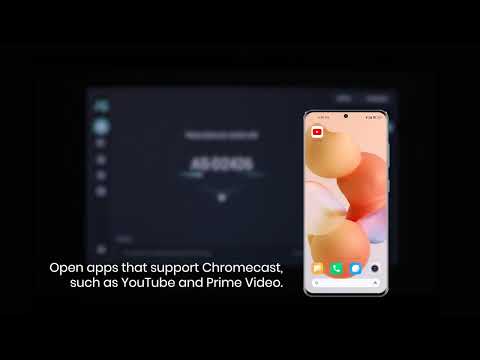
How to Mirror or Cast From Your Phone
How to Connect an External Speaker
Remember, our Nebula Clean Customer Support Team is always here to assist with any issues to ensure the best experience is delivered. If you have any comments, concerns, questions, or issues that require immediate attention, please don't hesitate to contact us.
|
|
|
|
|
|
Thank you for choosing Nebula!
Nebula Team