How to Enable Autofocus on Nebula Capsule II?
Projector's autofocus feature ensures that the projected image is as sharp as possible without the user having to manually adjust the projector's focus.
There are three ways to enable Autofocus on Nebula Capsule II:
1. Turn on Autofocus by going to Settings > Projector Settings > Auto Focus Correction


2. Slightly Shake the projector to trigger the autofocus mechanism.
3. Press and hold the “HDMI/ATV” button on the remote to trigger autofocus.
If you have additional questions, please contact us for further assistance.


80 undefined
How to Mirror or Stream Videos from an iOS Device to an Android TV Projector


How to Install and Use Netflix on Nebula Projectors (Android TV System)
How to Connect a Computer or Smartphone to a Nebula Projector through an HDMI Cable?
How to Mirror or Stream Videos from an Android Device to an Android TV Projector
How to Connect an External Speaker to Your Projector (Android TV System)
How to Watch Videos Stored on a USB Flash Drive on a Nebula Projector with Android TV System
How to Connect the Nebula Connect App to Your Nebula Projector?
How to Choose the Right Tripod or Stand for Nebula Projectors?
How to Fix HDMI No Signal or Unstable Signal Issue
How to Pair a Remote Control With Your Nebula Projector

D2426_Capsule 3 Laser_Manual
D2426_Capsule_III_UK_Declaration_of_Conformity
D2421_Capsule_II_EU_Declaration_of_Conformity_1
D2421_Capsule_II_EU_Declaration_of_Conformity_2
D2421_Capsule_II_UK_Declaration_of_Conformity
D2421_Capsule II_Manual
View More

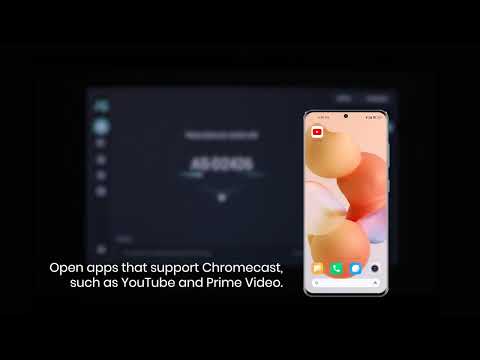
How to use Chromecast Airplay
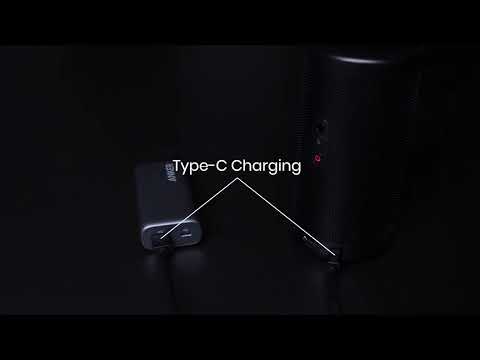
Signal Input Output
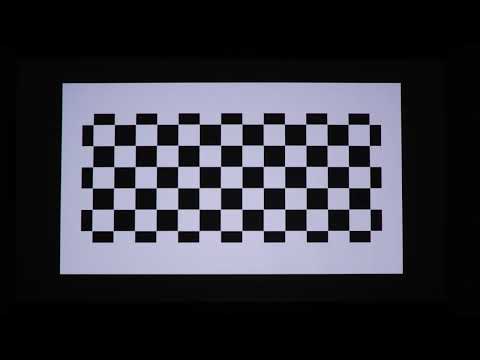
Auto and Manual keystone correction
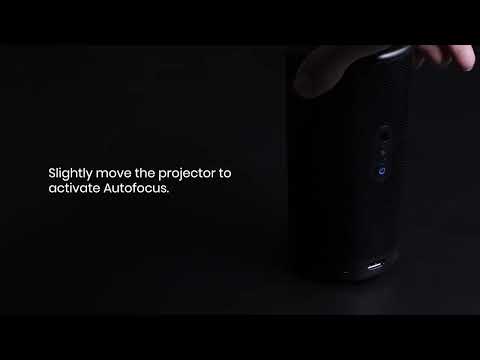
Auto and Manual focus

How to Set Up an Android TV Projector

How to Cast Content from my iOS Phone on Android TV Projectors
View More