How Do I Turn Off Alerts On Cosmos 4K SE/Nebula X1/Nebula X1 Pro?
Go to Settings > Projector > Advanced Settings > Smart Solutions.

If you still have any questions, please contact Nebula customer support at Support@seenebula.com for further assistance.


201 undefined
How to Connect the Nebula Connect App to Your Nebula Projector?


What Should I Do if My Projector is Unable to Connect to the Nebula Connect App?
How do I stream video or mirror from a Windows 10 PC to Capsule 3/Capsule 3 Laser/mars 3/Mars 3 air/Cosmos 4K SE/Nebula X1/Nebula X1Pro?
What Should I Do if My NEBULA Projector Gets Stuck on the Logo When Starting Up?
Optimizing Nebula X1/ X1S/ X1 Pro Performance: Recommended Throw Distances and Screen Sizes
What should I do if I don't have the original adapter for Cosmos 4K SE?
what should I do if I can't connect to Nebula Connect?
How Do I Mirror or Stream Video From iOS Devices to Projector?
Cosmos 4K SE Recommended Ambient Brightness and Screen Size
How to adjust the screen size?

D2150_Cosmos_Max_4K_EU_Declaration_of_Conformity
D2150_Cosmos_Max_Manual
Nebula X1 Pro User Guide (D2151)
【D2151】【soundcore NEBULA X1 Pro】EU Declaration
安克移动影院X1Pro 用户指南 (D2153)
D2350_Cosmos Laser 4K_Manual
View More

How to Set Up an Android TV Projector
How to Cast Content from my iOS Phone on Android TV Projectors
How to Cast Content from My Android Phone on Android TV Projectors
Setting Up the Bluetooth Remote on Android TV projectors
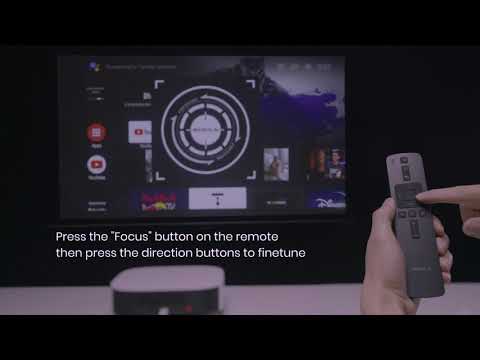
Auto & Manual Focus on Android TV projectors
Auto and Manual Keystone Correction on Android TV Projectors
View More