Firmware Release Notes for Capsule 3
Hey Nebula customers
The following are the new firmware release notes for Capsule 3:
Software Version: 11.0.34
- Fixed screen flickering, fragmentation, picture mode errors, and more during HDMI connection.
- Fixed random screen flickering during keystone correction.
- Fixed issues such as broken sound, incorrect sound volume settings, and incorrect status indicator lights in Bluetooth speaker mode.
- Fixed a bug that was preventing access to the Settings menu.
- Added automatic brightness reduction when the projector’s battery temperature gets high.
- Added a shutdown panel feature, allowing users to long press the shutdown button to switch between sleep, shutdown, and restart.
Software Version: 11.0.32
- Fixed a bug where Wi-Fi networks could not be found when switching during the setup process.
- Fixed random screen fragmentation while watching movies.
- Updated the remote control pairing guidance interface by adding an illustration showing the optimal pairing distance between the projector and remote.
- Updated the EQ to optimize the sound quality.
- Added India as a country supporting the Google Home App during the setup process.
If you have any questions or concerns, reach out to us anytime via the help page in the app or email us at support@seenebula.com.


51 undefined
How to Mirror or Stream Videos from an iOS Device to an Android TV Projector


How to Mirror or Stream Videos from an Android Device to an Android TV Projector
How to Connect an External Speaker to Your Projector (Android TV System)
How to Watch Videos Stored on a USB Flash Drive on a Nebula Projector with Android TV System
How to Connect the Nebula Connect App to Your Nebula Projector?
How to Fix HDMI No Signal or Unstable Signal Issue
How to Pair a Remote Control With Your Nebula Projector
Capsule 3 FAQ
How do I stream video or mirror from a Windows 10 PC to Capsule 3/Capsule 3 Laser/mars 3/Mars 3 air/Cosmos 4K SE/Nebula X1/Nebula X1Pro?
What Should I Do if My NEBULA Projector Gets Stuck on the Logo When Starting Up?

D2426_Capsule 3 Laser_Manual
D2426_Capsule_III_UK_Declaration_of_Conformity
D2421_Capsule_II_EU_Declaration_of_Conformity_1
D2421_Capsule_II_EU_Declaration_of_Conformity_2
D2421_Capsule_II_UK_Declaration_of_Conformity
D2421_Capsule II_Manual
View More

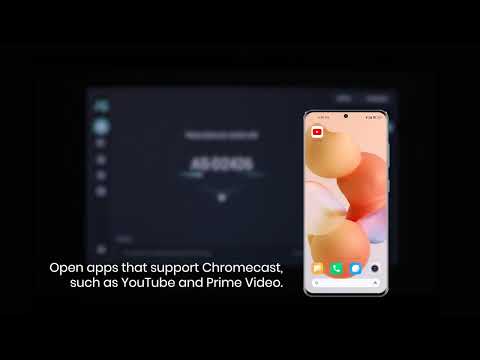
How to use Chromecast Airplay
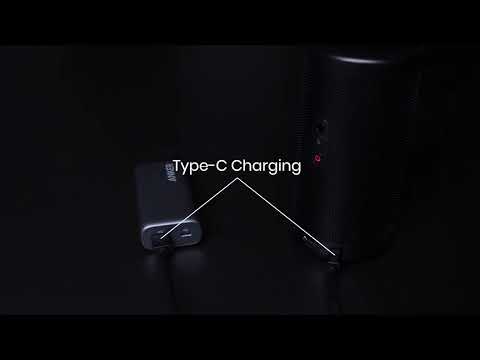
Signal Input Output
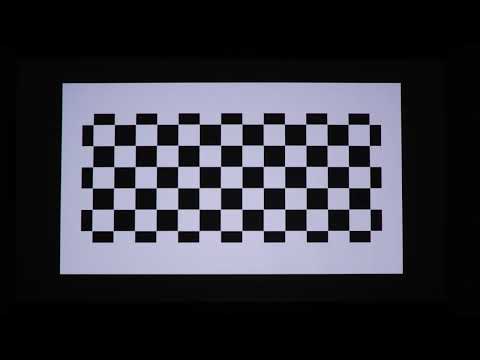
Auto and Manual keystone correction
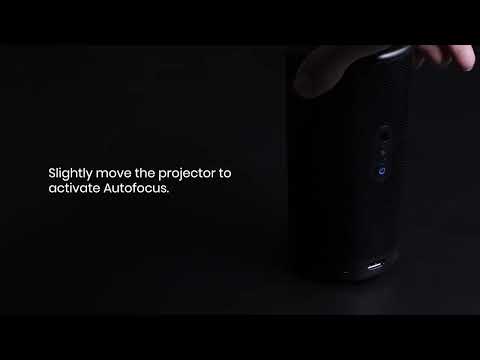
Auto and Manual focus

How to Set Up an Android TV Projector

How to Cast Content from my iOS Phone on Android TV Projectors
View More