Can the USB-C Port from the Capsule 3 Support Working with HDMI?
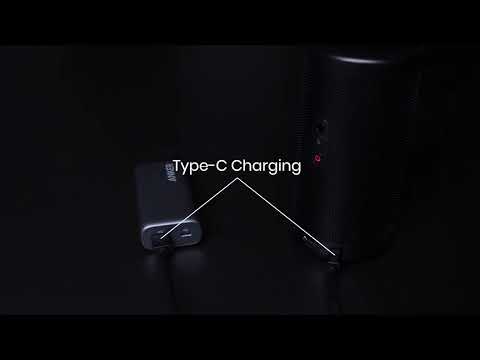
Please note that the USB-C port is designed exclusively for charging purposes. This means that it cannot be used to transmit video signals to an HDMI display. 

If you are looking to connect the device to an external display via HDMI, please use a compatible HDMI cable to link the device to the display through the HDMI port.

Furthermore, the product also features a USB-A port, which is commonly used for connecting peripherals such as a USB drive.  

If you encounter any issues or have questions regarding the use of the USB-C, HDMI, or USB-A ports on their device, please feel free to contact us via email support@seenebula.com. The support team is available to provide guidance and help resolve any problems that users may experience during the use of their device.

 
Can the USB-C Port from the Capsule 3 Support Working with HDMI?
94 undefined
A3961 QSG V2(1)
Liberty 4_A3953_QSG
Q20i_QSG
EU Declaration of Conformity for soundcore A3i_A3992
UK&CA Declaration of Conformity for soundcore Liberty 4_A3953
EU&UK Declaration of Conformity for soundcore Sleep A10_A6610
View More
How to use Liberty 4 Wellness features
How to Connect to the Soundcore App and Update Firmware for Sport X10
How to Wear Liberty 4 and Change Eartips
How to solve a connection issue on Sleep A10
How to Use Features On the Soundcore App for Sport X10
How to Pair and Reset Sport X10
View More