Can I use an Ethernet connection?
Thank you for supporting our product.
Yes! You can connect to the network via Ethernet using a USB-C to Ethernet adapter.
To set up:
-
Get a USB-C to Ethernet adapter.
-
Connect the adapter to one of the USB-C ports on the projector.
-
Plug the Ethernet cable into the adapter.
-
The projector will automatically detect and connect to the wired network.
Benefits:
Provides a more stable connection, especially when streaming high-bitrate 4K content.
If you have any other questions, please don't hesitate to contact Nebula Customer Support at service@soundcore.com for further assistance.


121 undefined
How to Connect the Nebula Connect App to Your Nebula Projector?


How do I stream video or mirror from a Windows 10 PC to Capsule 3/Capsule 3 Laser/mars 3/Mars 3 air/Cosmos 4K SE/Nebula X1/Nebula X1Pro?
What Should I Do if My NEBULA Projector Gets Stuck on the Logo When Starting Up?
Optimizing Nebula X1/ X1S/ X1 Pro Performance: Recommended Throw Distances and Screen Sizes
How Do I Mirror or Stream Video From iOS Devices to Projector?
How to adjust the screen size?
Troubleshooting Projector Lag Issues
What Should I Do if My Google TV NEBULA Projector Can't Connect to Wi-Fi or is Constantly Disconnecting?
Nebula Projector 3D Feature Guide
Understanding the Gray Border on Projector Screens

D2150_Cosmos_Max_4K_EU_Declaration_of_Conformity
D2150_Cosmos_Max_Manual
Nebula X1 Pro User Guide (D2151)
【D2151】【soundcore NEBULA X1 Pro】EU Declaration
安克移动影院X1Pro 用户指南 (D2153)

How to Set Up an Android TV Projector
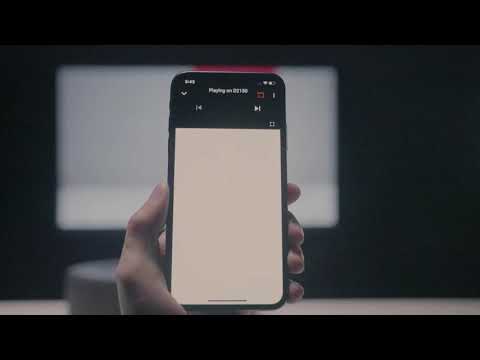
How to Cast Content from my iOS Phone on Android TV Projectors
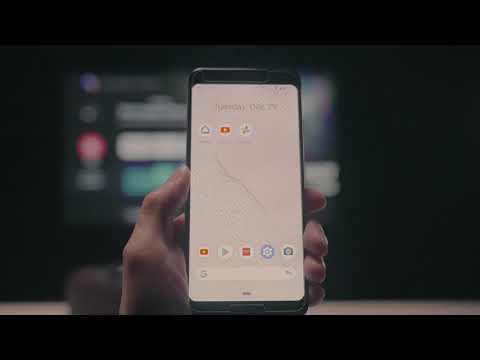
How to Cast Content from My Android Phone on Android TV Projectors
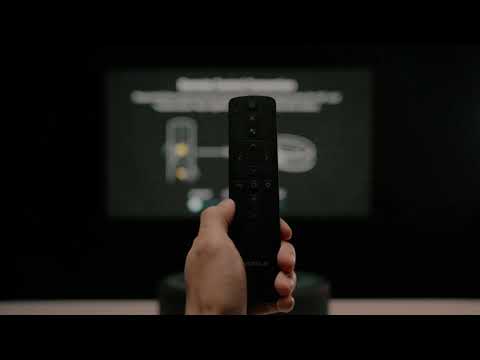
Setting Up the Bluetooth Remote on Android TV projectors
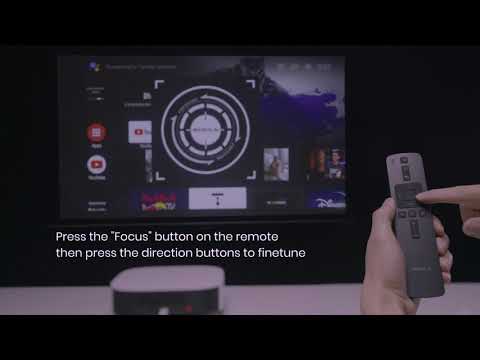
Auto & Manual Focus on Android TV projectors
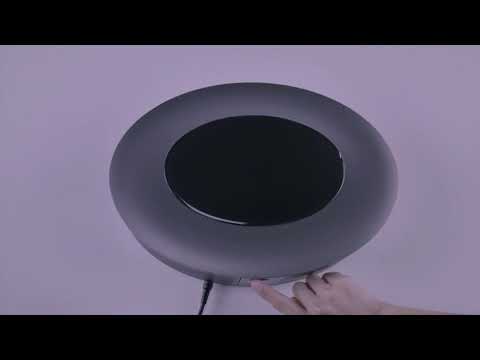
Auto and Manual Keystone Correction on Android TV Projectors
View More