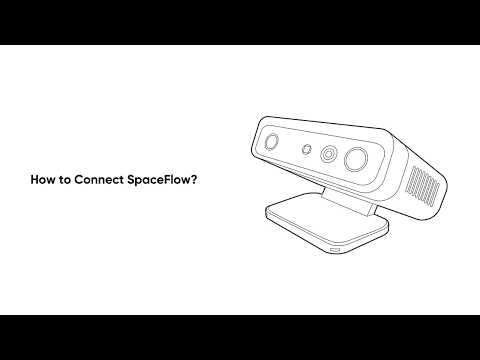
Why can't the app detect my SpaceFlow D2090?

Thank you for supporting our product. 


Q: Why can't the app detect my SpaceFlow D2090?

A:No worries — let's walk through a quick checklist to get things working:


1. Is it on? The Power light should be solid

2. Is it in pairing mode? The blue light should blink rapidly. Not blinking? Long-press the Power button for 5 seconds

3. Is Bluetooth on? Double-check your phone's settings

4. Are you close enough? Stay within 5 meters of your SpaceFlow

5. Try the classic restart — close the app completely, reopen it, or restart your SpaceFlow and scan again


Still stuck? Contact our support team and let them know which steps you've already tried — it'll help us get you sorted faster!


If you have any other questions, please don't hesitate to contact Nebula Customer Support at service@soundcore.com  for further assistance.

Unresolved icon
60 undefined
Download icon
A3961 QSG V2(1)
Download icon
Liberty 4_A3953_QSG
Download icon
Q20i_QSG
Download icon
EU Declaration of Conformity for soundcore A3i_A3992
Download icon
UK&CA Declaration of Conformity for soundcore Liberty 4_A3953
Download icon
EU&UK Declaration of Conformity for soundcore Sleep A10_A6610
View More
Play videoHow to use Liberty 4 Wellness features
How to use Liberty 4 Wellness features
Play videoHow to Connect to the Soundcore App and Update Firmware for Sport X10
How to Connect to the Soundcore App and Update Firmware for Sport X10
Play videoHow to Wear Liberty 4 and Change Eartips
How to Wear Liberty 4 and Change Eartips
Play videoHow to solve a connection issue on Sleep A10
How to solve a connection issue on Sleep A10
Play videoHow to Use Features On the Soundcore App for Sport X10
How to Use Features On the Soundcore App for Sport X10
Play videoHow to Pair and Reset Sport X10
How to Pair and Reset Sport X10
View More